✨ Google Search Tricks · Web Humor
Google Blink HTML
Trick
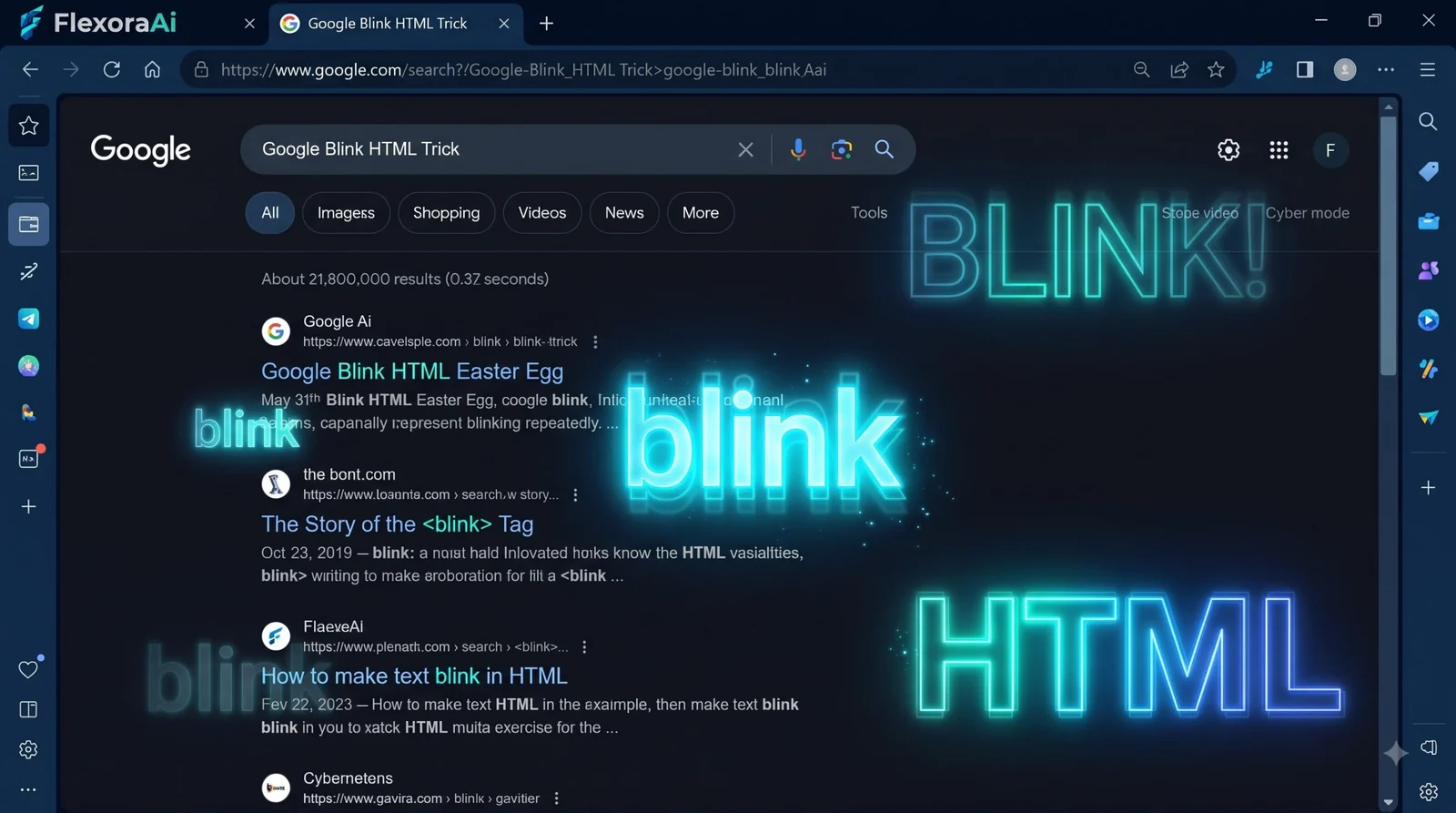
Few HTML tags have been mocked as long or as well as
Short answer: Search for blink html, blink tag or
Worth knowing
- Triggered by blink html, blink tag or
- The effect applies to the word wherever it appears, even in unrelated results.
- The tag it mocks was removed from modern web standards.
How to see it
- Open Google in a desktop browser.
- Search for blink html.
- Look at the results and watch the word blink flash.
- Try blink tag or
A sibling joke exists too. Searching marquee html scrolls the results count across the top of the page, like the old marquee tag that scrolled text.
What was the blink tag?
In the 1990s, early browsers let web designers wrap text in a blink tag to make it flash. It was meant to draw attention. In practice it made pages hard to read and was quickly mocked as one of the most irritating features of the early web.
The tag is now obsolete. Modern web standards dropped it, and today's browsers don't flash text for it. Google's Easter egg is a memorial to something that no longer exists.
Why flashing text is a real problem
| Guideline | What it says |
|---|---|
| Pause, stop or hide | Content that blinks for more than five seconds needs a way to pause it. |
| Three flashes | Content shouldn't flash more than three times in a second. |
These rules come from web accessibility guidelines. Flashing can distract people with attention difficulties, and rapid flashing can trigger seizures in people with photosensitive epilepsy. That's why designers have avoided blinking text for a long time, and why the joke lands.
The egg belongs with other tongue-in-cheek page effects in our complete list of Google Easter eggs.
Tips
- Try it with different phrases. The effect applies to the word wherever it appears.
- Use a desktop browser. The effect is easier to see on a large screen.
- Mind your eyes. If flashing bothers you, skip it or look away.
- Check the date. Google may retire tricks without notice.
For more of the early web's habits, see our retro Google tricks guide.
Where the tag came from
The blink tag arrived in an early version of the Netscape browser in the mid-1990s. Its creator, Netscape engineer Lou Montulli, has said it began as something of a joke. Designers loved it a little too much. For a while, blinking text was a common way to say “look at this,” and it did not take long for everyone else to say “please stop.”
Browsers have since dropped it. Chrome never supported the tag, and Firefox removed support in 2013. Modern standards no longer include it.
If you must animate text
- Use CSS animation, not a tag.
- Keep any flashing well under three times a second.
- Give readers a way to pause it.
- Respect the reduced-motion setting, which lets people ask for less movement.
The reduced-motion setting is the modern descendant of the lesson the blink tag taught. People who are sensitive to movement can tell their device, and good sites listen.
How we checked this: We used the Search Engine Land and Wikipedia lists of Google Easter eggs for the trigger phrases, and web accessibility guidelines for the five-second and three-flash rules. The effect may vary by browser. If something here is out of date for you, email ownerflexora.ai@gmail.com and we will fix it.
Your turn: Open the results for blink html in two browsers and compare the speed of the flashing. Then read the accessibility rules above and decide whether you'd ever use blinking text.
Seen that way, the Easter egg is a small lesson in design: an effect built to grab attention ended up teaching people what not to do.
More tricks to try
Want something that works in your pocket? The Google bubble level trick is next.
Frequently Asked Questions
For the history of the tag, see Wikipedia's article on the blink element.