🎙️ Google Easter Eggs · Assistant
Google Assistant
Easter Eggs
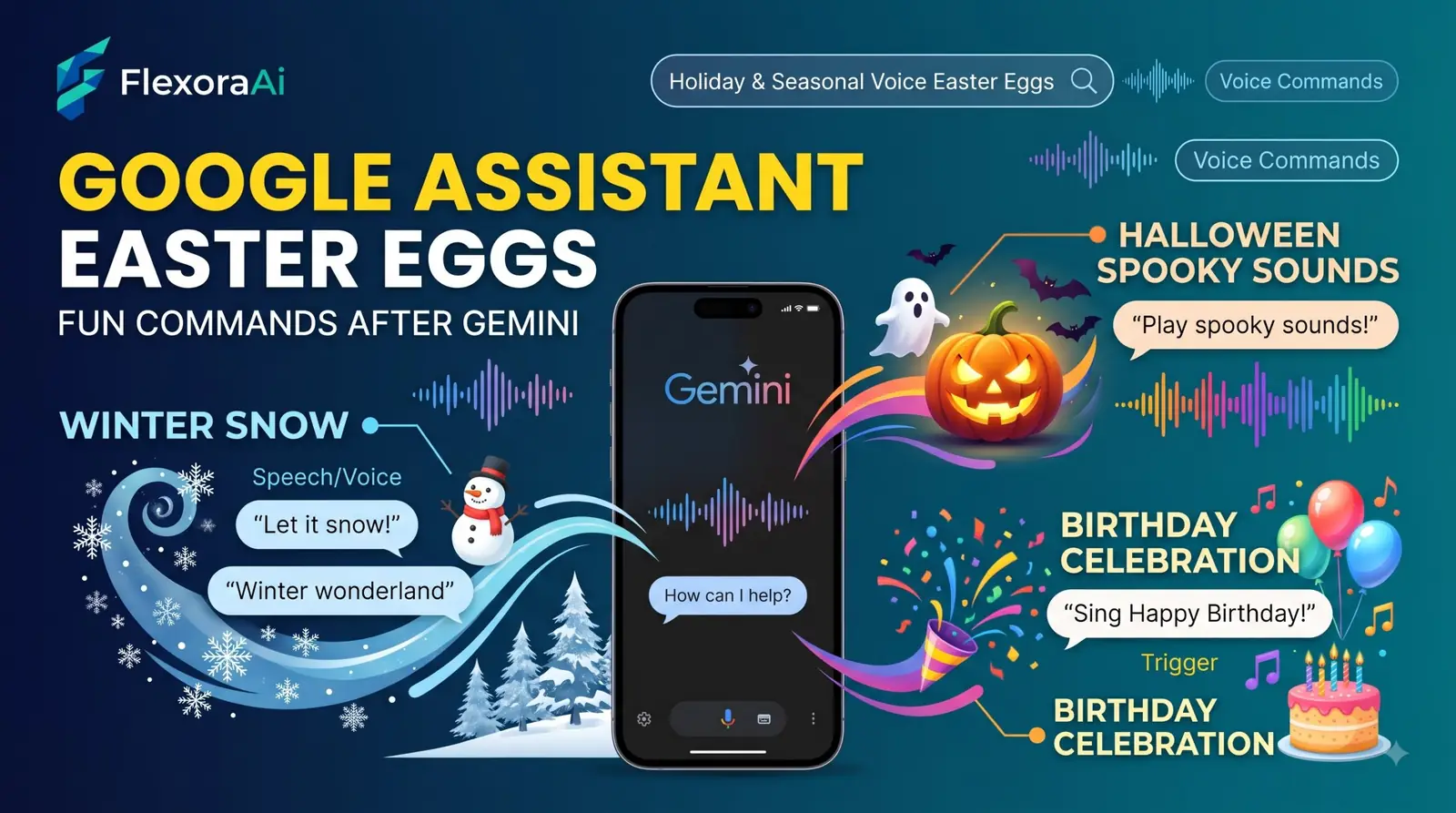
For almost ten years, “Hey Google” summoned Google Assistant, and a whole culture of fun commands grew around it. In 2026 that is changing. Gemini is taking over on Android phones, and the jokes may not land the same way. This guide, part of our Google products Easter eggs list, explains what happened and how to find out which commands still work.
Short answer: Google began replacing Assistant with Gemini on compatible Android phones on September 4, 2026. “Hey Google” still works, but Gemini answers, and many old commands carry over. Test each fun command on your own device.
Worth knowing
- Assistant first appeared in 2016, and its removal began on September 4, 2026.
- The change was delayed from March 2026 so Google could improve Gemini.
- Some Assistant features aren't supported in Gemini, and replies to simple commands can differ.
What changed and when
| When | What happened |
|---|---|
| 2016 | Google Assistant first appears. |
| Late 2025 | Google starts renaming Assistant screens to Gemini. |
| March 2026 | The original target for the changeover. |
| September 4, 2026 | The removal begins on compatible Android phones. |
Eligible devices move over automatically. Tablets, cars, headphones and watches connected to phones are also expected to move. Google's own support pages acknowledge that some earlier features aren't supported, and that Gemini is still evolving.
Fun commands: what to expect
A roundup of fun voice commands for Gemini sorts them by status, and we use the same idea here.
| Command | Status | Notes |
|---|---|---|
| “Tell me a fun fact.” | Officially documented | A different fact each time. |
| “Give me a trivia question.” | Officially documented | A quick quiz. |
| “Tell me a joke.” | Likely supported | Jokes vary by device. |
| Open-ended personality questions | Creative prompt | Best treated as a conversation. |
Many older “hidden” responses are scripted jokes. Those that survive are in our complete list of Google Easter eggs, and the rest may now be handled by Gemini's more open-ended replies.
How to test a command
- Say “Hey Google” and the command on your phone.
- Note whether Gemini or Assistant responds.
- Repeat it once to see if the answer changes.
- Try it in the Gemini app by typing, to compare.
- Write down the results with the date.
Before the switch: check your routines
If you use routines, reminders and smart home commands, it's worth checking they still work. Reports on the changeover warned that some more complicated automations, especially custom ones, don't yet work with Gemini, and that Gemini actions offer fewer capabilities.
Other assistants, same habit
Apple's Siri and Amazon's Alexa have their own scripted jokes, and fans keep lists of them. The AI chatbots such as ChatGPT work more like Gemini, with fun as a matter of prompting. Developers also follow fast AI services such as Groq for quick responses, which is part of why people expect assistants to answer instantly.
For everyday ways to get more from Search itself, see our Google search tips guide.
If a command stops working
- Say it again, more slowly and plainly.
- Rephrase it as a simple request.
- Try typing it into the Gemini app to compare.
- Check whether your device has moved from Assistant to Gemini.
- Accept that some scripted jokes may be gone.
Older devices
Not every device moves at once. On devices below the eligibility line, classic Assistant keeps working until the standalone service retires, and after that those devices will have no current Google assistant at all unless they are replaced. If you rely on an older phone or speaker, it's worth checking your device's support page.
How we checked this: We used Business Standard and implicator.ai for the September 4 date and delay, Android Authority and Android Central for the renaming, reports on the changeover for unsupported features, and a Gemini-era roundup of fun commands for the status guide. Rollout timing varies by device. If something here is out of date for you, email ownerflexora.ai@gmail.com and we will fix it.
Your turn: Pick three fun commands you used to say to Assistant. Test them on Gemini and note which ones changed.
The voice may be new, but the habit isn't. People have always liked making their assistants smile.
More tricks to try
Using a smart speaker or display? The Google home easter eggs list is next.