📐 Google Search Tricks · Useful Tools
Google Bubble Level
Trick
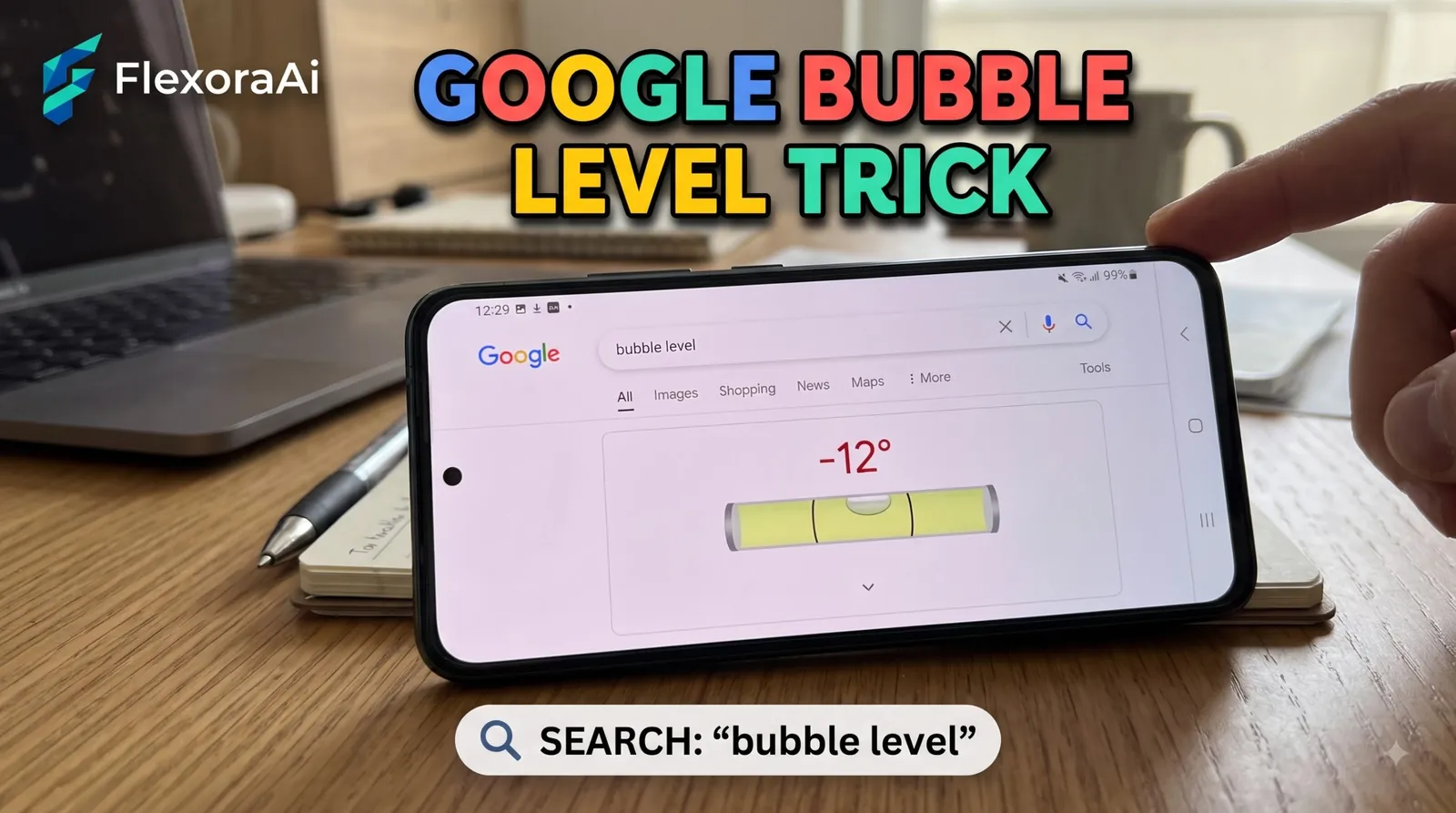
You're about to hang a shelf and the level is in the garage. Your phone can help. Google has a built-in bubble level that uses the sensors in your phone or tablet, and it's one of the most practical entries in our Google search tricks list. This guide covers how to find it, how to read it and how to check it before you trust it.
Short answer: On a phone or tablet, search for bubble level or spirit level in Chrome or the Google app. Lay the device on the surface and adjust until it reads 0.0 degrees. It doesn't work on computers.
Worth knowing
- It uses your device's motion sensors, so it only works on phones and tablets.
- A reading of 0.0 degrees means level.
- It's fine for casual jobs and not a replacement for a professional tool.
How to use it
- Open Chrome or the Google app on your phone or tablet.
- Search for bubble level or spirit level.
- Place the phone flat for horizontal surfaces, or on its edge for upright ones.
- Adjust the object until the reading is 0.0 degrees.
For something like a picture frame, turn the phone on its side and lay it along the top edge. Any of the four edges will do.
How a bubble level works
A traditional level is a sealed tube of liquid with a trapped bubble. When the tube is level, the bubble rests in the middle. Google's version replaces the liquid with sensors that measure how your phone is tilted, then draws a bubble on screen to match.
It's a good example of a search result that behaves like an app, which is the theme of much of our complete list of Google Easter eggs.
How accurate is it?
| Question | Phone level | Physical level |
|---|---|---|
| Cost | Free | Costs money |
| Always with you | Yes | No |
| Precision | Good for casual use | Better for professional work |
| Works on a computer | No | Yes |
Test it before you trust it
- Put the phone on a surface that you know is flat, such as a kitchen counter.
- Note the reading.
- Turn the phone 180 degrees and read it again.
- If the numbers differ, your sensor is slightly off, so allow for that.
This reverse test is the same trick people use to check a physical level. If a tool is accurate, flipping it gives the same result.
Tips
- Remove the case. A thick case can tilt the phone slightly.
- Use a hard, flat edge. A rounded phone edge can mislead you.
- Hold still. Movement makes the reading drift.
- iPhone owners. The Measure app also has a built-in level.
For more everyday tools with a retro feel, see our retro Google tricks guide.
What the degrees mean in real life
A reading in degrees is abstract until you turn it into millimeters. For every meter of length, a small angle makes a surprisingly small difference.
| Reading | Approximate rise per meter |
|---|---|
| 0.5° | 9 mm |
| 1° | 17 mm |
| 2° | 35 mm |
| 5° | 87 mm |
So a shelf that is 1 degree off will be about 17 millimeters higher at one end of a one-meter span. That's visible on a wall, which is why a reading of 0.0 is worth chasing.
How your phone measures tilt
Your phone contains an accelerometer, a tiny sensor that feels which way gravity pulls. If gravity pulls straight through the back of the phone, the phone is flat. If it pulls slightly toward one edge, the phone is tilted. The level on screen turns that pull into an angle. Sensors differ between models, which is why the reverse test above is worth doing.
Jobs it suits
- Hanging pictures and shelves
- Checking a washing machine or a table
- Setting up a camera or a tripod
- Quick checks before you buy a real level
How we checked this: We used SlashGear, Gizmodo and Digital Trends for how to launch it, and a how-to on the tool's limits for the accuracy notes. Availability can vary by device and region. If something here is out of date for you, email ownerflexora.ai@gmail.com and we will fix it.
Your turn: Check a picture frame in your home. Then use the reverse test to see how accurate your phone's level is.
A free level in your pocket won't replace a good tool, but it will save you a trip to the garage.
More tricks to try
Choosing paint for that wall? The Google color picker trick is next.
Frequently Asked Questions
For a step-by-step guide for Android, see SlashGear's guide to the bubble level.