♊ Google Easter Eggs · Gemini
Google Gemini
Easter Eggs
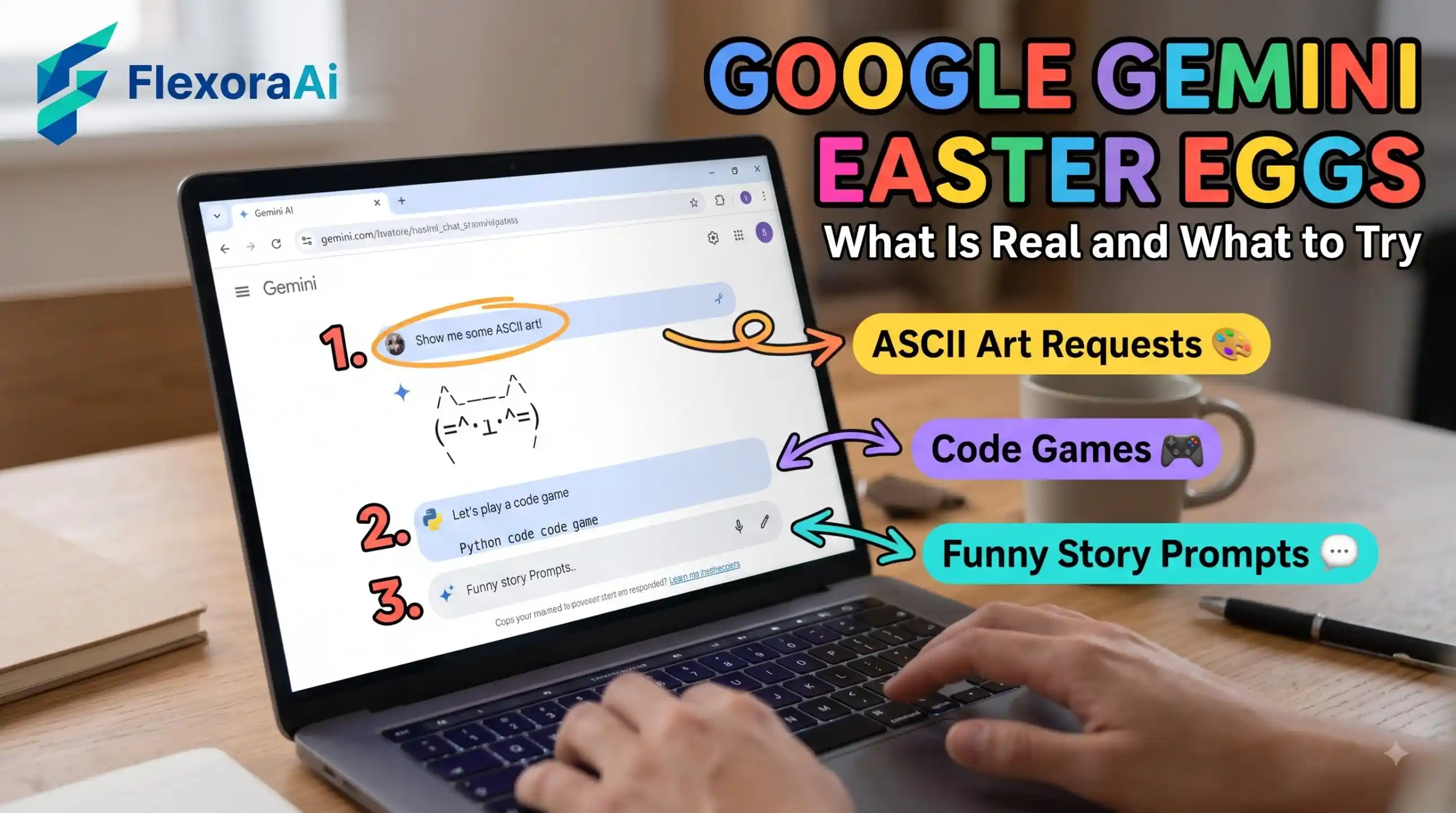
“Gemini Easter eggs” is a tricky phrase. Easter eggs are fixed surprises: type the right words and the same thing happens every time. A chatbot doesn't work like that. This guide, part of our Google products Easter eggs list, explains what Gemini's playful side is, how to try it, and how to tell a real trick from a lucky answer.
Short answer: We could not verify any fixed Gemini Easter egg. Because Gemini is a generative AI, answers change from one request to the next. What you can do is try documented requests, like asking for a fun fact or a trivia question, and creative prompts.
Worth knowing
- Easter eggs are fixed. Gemini's answers vary.
- Some fun requests are documented by Google, and others are just good prompts.
- Gemini replaced Bard, and on compatible Android phones it now answers “Hey Google.”
Why Gemini has no fixed Easter eggs
A classic Easter egg is a line of code that waits for one trigger phrase. A generative AI doesn't work that way. It builds each answer from your words and the conversation so far, so asking the same thing twice rarely gives the same result.
That is why you'll see lists online claiming a “secret prompt” that makes Gemini behave in a special way. Treat those with care. Run the prompt twice. If the answers differ, you've found a good prompt, not an Easter egg.
A three-part status guide
| Status | What it means | Example |
|---|---|---|
| Officially documented | Google lists the capability | A fun fact or a trivia question |
| Likely supported | Often works, but availability varies | A joke or a short poem |
| Creative prompt | An open-ended request with a changing answer | A story about a spreadsheet that fell in love |
One roundup of fun voice commands uses a similar three-part status guide, and it's a useful habit: say how sure you are before you call something a trick.
Prompts worth trying
- “Tell me a fun fact.” A documented request, with a different answer each time.
- “Give me a trivia question.” Also documented, and a good party game.
- “Write a limerick about a forgotten password.” Creative, so expect variation.
- “Explain recursion to a ten-year-old.” A good test of how plainly it can explain.
- “Plan a rainy-day game night for four people.” Shows how it handles constraints.
For fixed surprises that are hard-coded, see our complete list of Google Easter eggs.
Where Gemini came from
Google retired the Bard name and introduced Gemini as the face of its AI, with a dedicated Android app and the features once branded as Duet AI in Google Workspace folded in. Since then Gemini has spread across the Android phone, and on compatible devices it now responds when you say “Hey Google.”
How it compares with other assistants
Other assistants such as ChatGPT, Claude, Siri and Alexa all have playful modes. The pattern is the same for the AI chatbots: fun is a matter of prompting, not secret codes. Voice assistants like Siri and Alexa lean more on fixed, scripted jokes.
If you're deciding between assistants for search, our guide to Google Gemini vs ChatGPT for search compares the two directly.
How to judge a claimed Gemini trick
- Ask for the date and the source.
- Try it yourself, twice.
- Check whether Google's help pages mention it.
- Note whether your result matches the claim, or only resembles it.
- Share it as a “fun prompt,” not a “secret.”
Getting better answers from Gemini
- Say who it should be. “Act as a patient science teacher” changes the tone.
- Give context. Tell it your audience, your goal and your limits.
- Ask for a format. A table, a list or a short paragraph all work.
- Iterate. Ask for a shorter version, a funnier one or a different angle.
On compatible Android phones, you can also open Gemini by long-pressing the power button or by saying “Hey Google.” That makes it easy to try a playful prompt whenever the mood strikes.
A word on privacy
Treat any AI chat like a conversation in a public space. Don't share passwords, banking details or other sensitive information, and check your account's activity settings if you want to control what is saved.
How we checked this: We looked for fixed Gemini Easter eggs in news coverage and Google's help pages and found none. We used reports on Bard's retirement for the history, Android coverage for the Assistant changeover, and a roundup of Assistant commands for the three-part status guide. If something here is out of date for you, email ownerflexora.ai@gmail.com and we will fix it.
Your turn: Ask Gemini for a fun fact three times and compare the answers. Then try the limerick prompt and see if you can get it to rhyme every time.
The honest summary: Gemini is playful, but it isn't hiding anything. The surprises are in your prompts.
More tricks to try
Want something more concrete? The Google sheets easter eggs guide is next.