📊 Google Easter Eggs · Sheets
Google Sheets
Easter Eggs
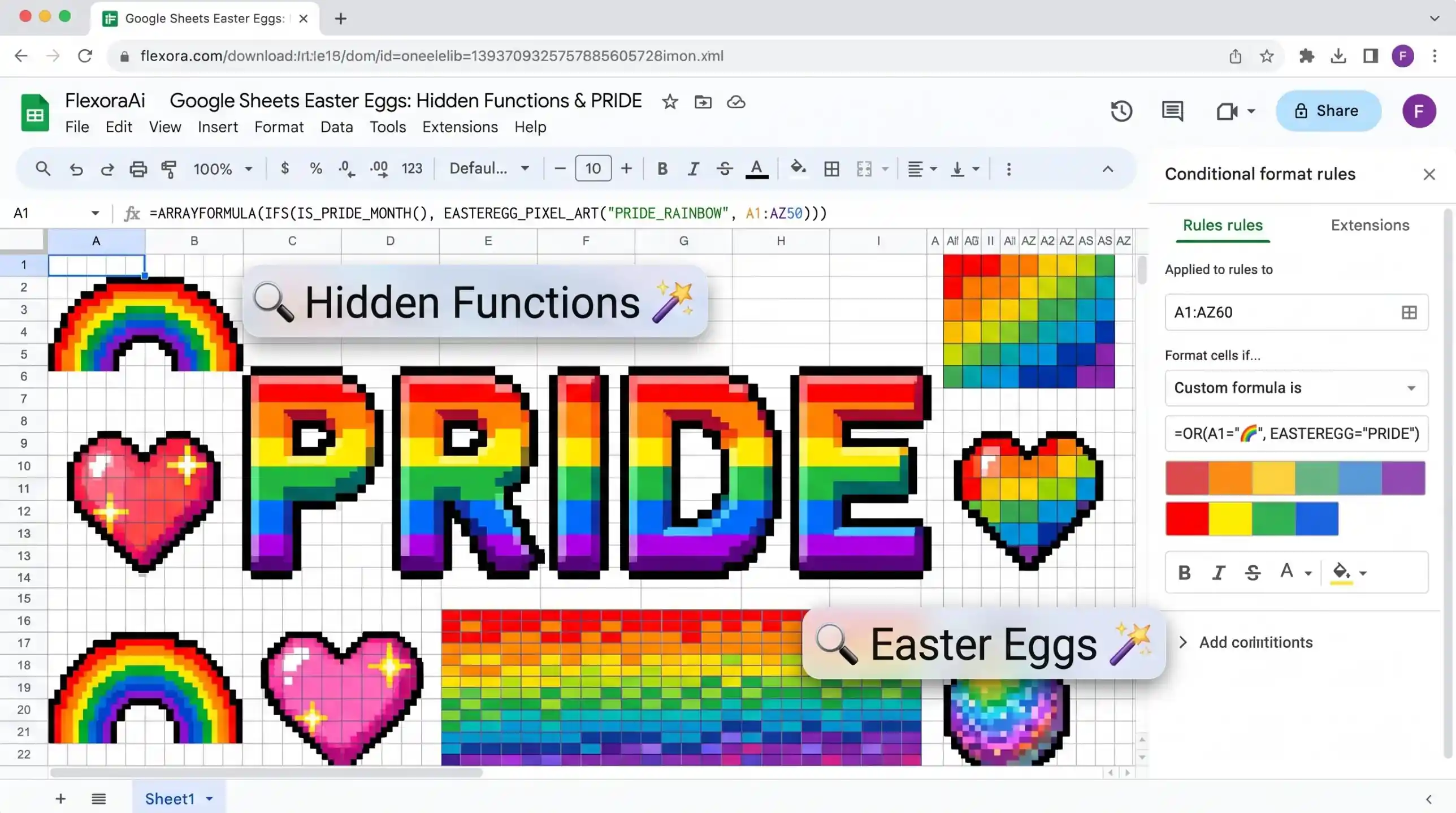
Spreadsheets are where playful engineers hide their best jokes. Google Sheets has a rainbow Easter egg, several fun functions that Google never listed, and a few shortcuts that are more useful than they look. This guide, part of our Google products Easter eggs list, shows each one, and explains which are safe to rely on.
Short answer: Type pride into a Google Sheets cell to see rainbow colors, a trick shared in Pride Month 2019. Fun hidden functions include COINFLIP, DUCKHUNT, CURSORPARK and WHATTHEFOXSAY. They are undocumented, so enjoy them but don't depend on them.
Worth knowing
- The PRIDE trick turns the sheet into a rainbow.
- Several undocumented functions exist, found by looking at Sheets' own code.
- Real power features like SPARKLINE are better to rely on.
The PRIDE rainbow
Ben Collins, who runs a well-known Google Sheets newsletter, shared this one in June 2019. Type the word pride into a cell, and the sheet changes color to a rainbow. A tutorial from Better Sheets notes that the Spanish and Portuguese words work as well, and that people have experimented with combining it with formulas to draw the word diagonally or in other shapes.
Behavior may differ by browser and over time, so if it doesn't appear, try a fresh sheet.
Hidden functions
| Function | What it does | How we know |
|---|---|---|
| COINFLIP | Returns a random TRUE or FALSE | Ben Collins' undocumented functions list |
| DUCKHUNT | Returns a duck emoji | Same list |
| CURSORPARK | Creates a parking lot for viewers' cursors during a presentation | Same list |
| WHATTHEFOXSAY | Returns a random thing a fox says | An independent look at Sheets' source code |
An independent analysis of Sheets' code also found functions used only for debugging, plus one that has no documentation at all. Neither is meant for everyday use.
These sit comfortably in the nerdy corner of our complete list of Google Easter eggs.
The shortcuts that are useful
- sheet.new. Type it into the address bar to open a blank spreadsheet.
- SPARKLINE. Draws a tiny chart inside one cell.
- GOOGLEFINANCE. Pulls stock prices, which you can feed into SPARKLINE.
A worked example of the last two together: =SPARKLINE(GOOGLEFINANCE(“NASDAQ:AMZN”, “price”, TODAY()-365, TODAY())) draws a year of one stock's price in a single cell. Use straight quotation marks when you type it.
Sheets compared with other tools
People have long compared Google Sheets with Microsoft Excel, and each has its own tricks. Sheets' strengths are real-time collaboration and easy sharing. If you want your sheet to talk to other apps, automation tools such as Zapier can send rows between Sheets and thousands of other services.
How to use the fun ones responsibly
- Try them in a scratch sheet, not in work that matters.
- Don't share undocumented functions in files other people depend on.
- If a function returns an error, it may have been retired.
- Keep a note of the date you tried it.
For more everyday search habits, see our Google search tips guide.
A tiny project with COINFLIP
Hidden functions are more fun when you use them. Here is a quick experiment that teaches something real about probability.
- Type =COINFLIP() in A1 and drag it down to A100.
- In C1, type =COUNTIF(A1:A100, TRUE) to count the TRUE results.
- In C2, type =C1/100 to get the share of heads.
- Press the Delete key on an empty cell, or edit the sheet, and watch the numbers change.
Like other random functions, COINFLIP can recalculate whenever the sheet changes, so your counts will move. That's the lesson: small samples bounce around, and only large ones settle near fifty percent. Try 1,000 rows and see how much closer you get.
How we checked this: We used Ben Collins' undocumented-functions newsletter, an independent source-code analysis, Business Insider's 2019 report and a Better Sheets tutorial for the PRIDE trick, and a guide to GOOGLEFINANCE for the SPARKLINE example. Hidden features can change without notice. If something here is out of date for you, email ownerflexora.ai@gmail.com and we will fix it.
Your turn: Open a new sheet, type COINFLIP, copy it down ten rows and count how many TRUE results you get. Then try fifty.
Hidden functions are a harmless way to see how much room there is inside a spreadsheet. The real lesson is that the real features hide just as well.
More tricks to try
Want a trick you can speak aloud? The Google assistant easter eggs guide is next.