🐱 Google Tricks · Oneko · Cursor Toys
Google Oneko Cat Trick
(Does It Exist?)
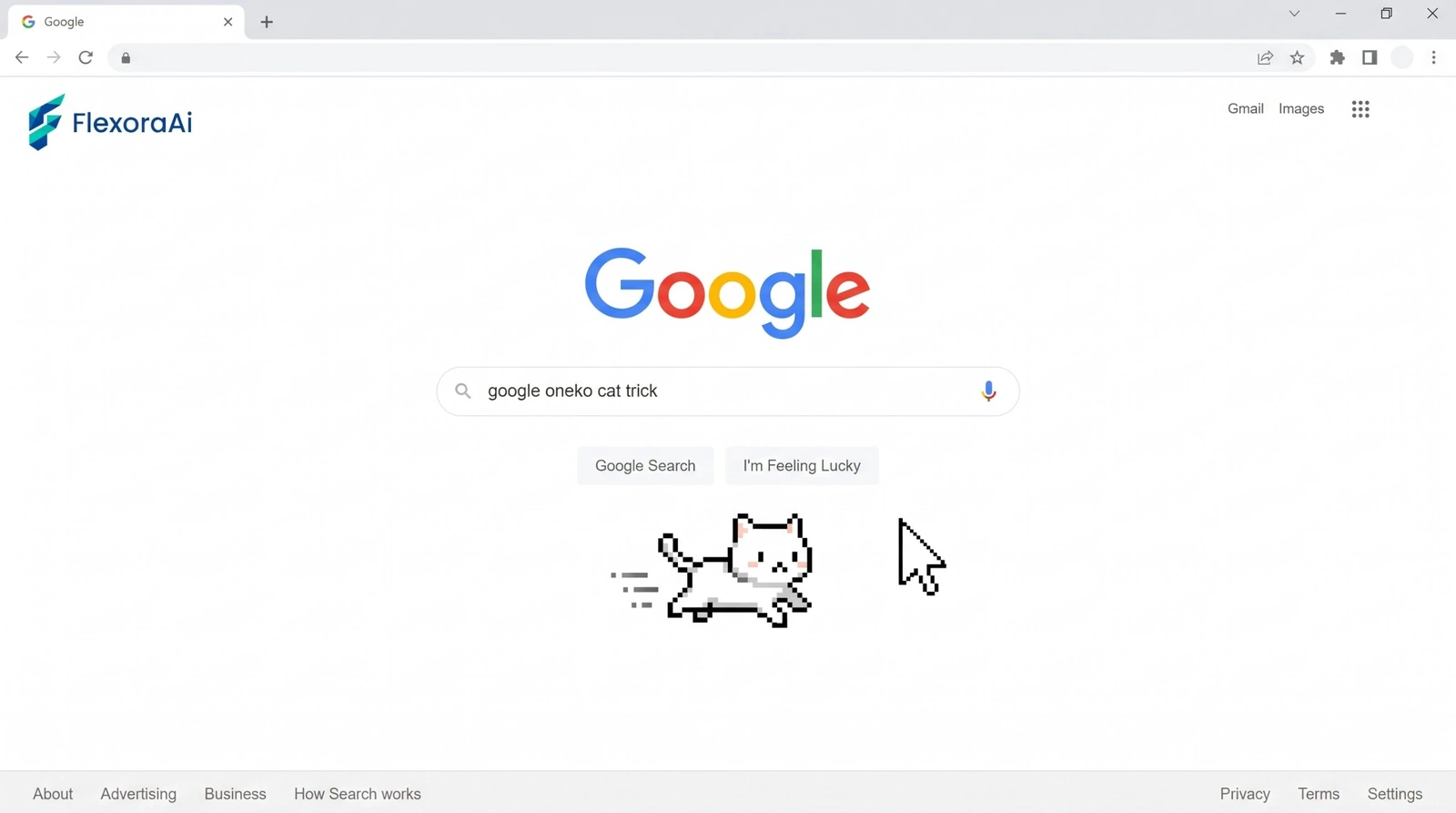
You search for “Google Oneko,” expecting a pixel cat to start chasing your cursor across the Google homepage. Fair expectation. There’s just a catch: we couldn’t find an official one.
What we did find is the real history of the cat, plus a few legitimate ways to get one on your screen. It’s one of the cursor toys in our Google gravity and underwater tricks guide.
Quick answer: Oneko is a classic desktop toy where a cat chases your mouse cursor. We found no official Google Oneko trick, and the large elgooG catalog of restored and fan-made eggs doesn’t list one either. The legitimate ways to get the cat are the oneko program on Linux or a browser extension, but check an extension before installing it.
What Oneko is
Oneko is a small desktop program. A cat, the “neko,” chases your cursor, which turns into a mouse, around the screen while you work. The Ubuntu package description also mentions a dog mode, where a dog chases a bone, and menu options to start and stop it. It’s a toy with no job to do, which is the point.
The program takes command-line options for other characters too. One mailing list post lists -dog, -tora, -sakura, -tomoyo and -bsd_daemon alongside the default cat.
Is there a Google Oneko trick?
Not that we could find. Google doesn’t document one, and the elgooG catalog lists dozens of restored, enhanced and fan-made Google toys without an Oneko entry. If you saw a Google-looking page with a cat chasing your cursor, it was most likely a fan page or a browser extension running on top of the page.
That doesn’t make the toy bad. It just means the honest answer to “does it exist on Google?” is “not officially.”
Ways to get a cursor-chasing cat
| Method | Where it works | Things to know |
|---|---|---|
| The oneko program | Linux desktops | It’s packaged for Ubuntu. Try sudo apt install oneko, then run oneko, or oneko -dog for the dog. |
| A browser extension | Chrome | The Chrome Web Store lists an “Oneko Neko” extension that makes a cat follow your cursor. Check the developer, reviews and permissions first. |
| A fan-made web page | Any browser | Unofficial. Never download anything from it. |
Staying safe
A toy extension shouldn’t need to read everything you do online. If the permissions look broader than a cat needs, skip it. Extensions can see the pages you visit, so install as few as you can and remove the ones you stop using.
Looking for physics-style toys that are documented? Our complete list of Google Easter eggs separates the real ones from the rest, and the next post in this set, Google Pendulum trick, asks the same question about a swinging page. For something with more history, see the retro Google tricks guide.
Frequently asked questions
Oneko is a classic desktop toy in which a cat, called a neko, chases your mouse cursor around the screen. Some versions also offer a dog that chases a bone.
We found no official Google Oneko trick, and the elgooG catalog of restored and fan-made Google toys does not list one. A cat on a Google-looking page is probably a fan page or an extension.
The Chrome Web Store lists an Oneko Neko extension that makes a cat follow your cursor. Check the developer, reviews and requested permissions before you install it.
Oneko is packaged for Ubuntu, so you can try sudo apt install oneko and then run oneko. Adding -dog starts the dog version.
The desktop program is a small, long-standing package. Browser extensions and fan pages vary, so review permissions and never install anything a page forces on you.
Sources checked
Facts here were checked against these sources on November 2, 2026. Gameplay and settings were not tested for this article, so try anything yourself before relying on it.
- Ubuntu package listing for oneko (Launchpad) — what the program does and its cat and dog modes.
- Xfce mailing list, May 2025 — oneko command-line options.
- Chrome Web Store listing for Oneko Neko — the extension and its description.
- elgooG catalog — the list of restored and fan-made Google toys.
The package itself: Ubuntu’s oneko package page, with its official description.