🎃 Google Tricks · Google Photos · Easter Eggs
Google Photos Easter Eggs
(The Halloween Pumpkin and Hidden Features)
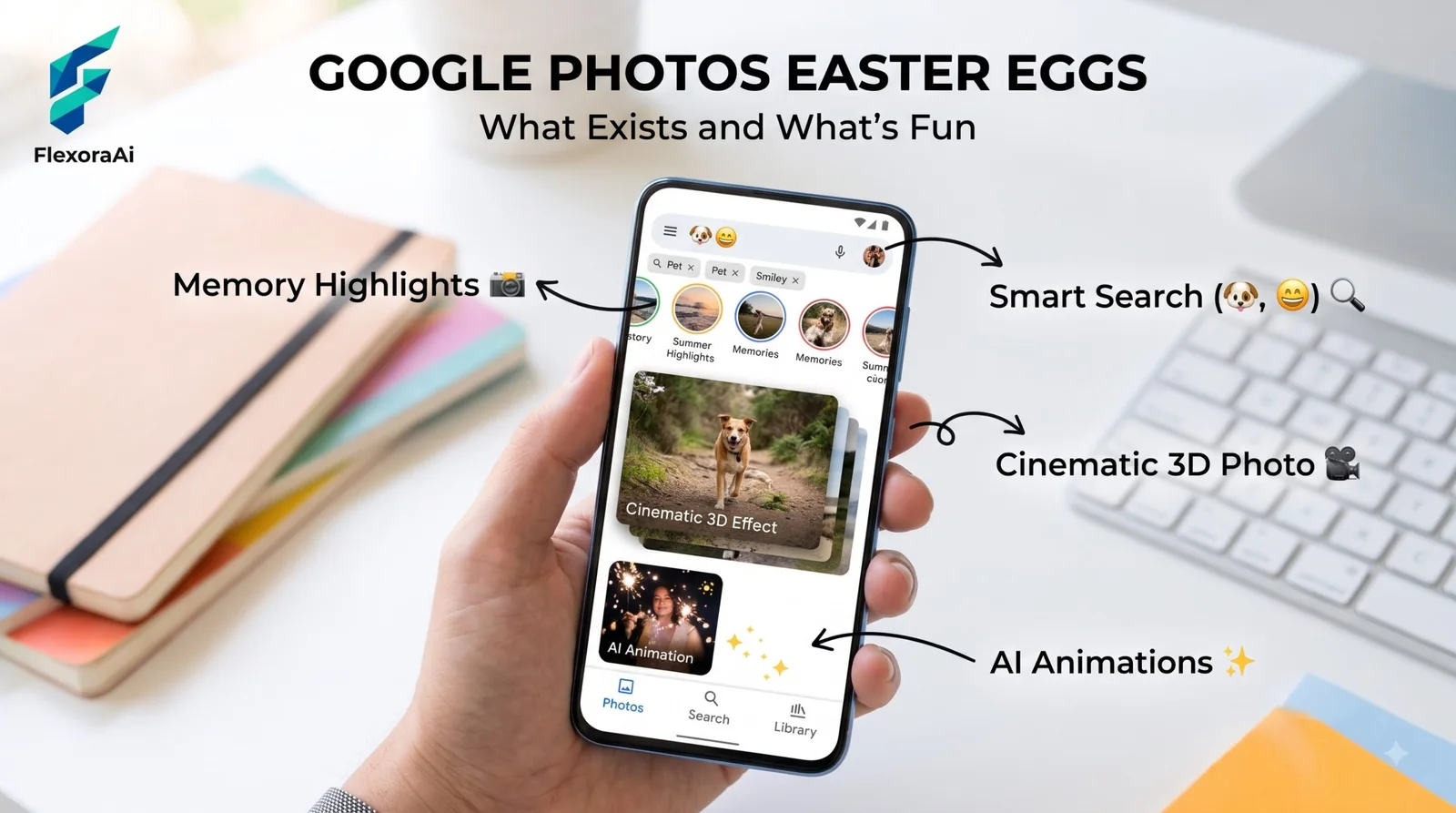
Google Photos is the app where Easter eggs are rarest, and the one we could find is a small, sweet exception. In October 2019 someone noticed that searching for one word made a pumpkin roll across the screen.
It’s limited-run and probably gone, but it’s a good example of how Google hides seasonal surprises in everyday apps. Here’s what it was, what else exists, and which real features are worth finding. It’s part of our Google products Easter eggs list.
Quick answer: Google Photos has very few documented Easter eggs. The best-known was a 2019 search animation: searching “Halloween” in the app made a cute jack-o-lantern roll across the screen. It was limited-run. Instead, try Photos’ real hidden features, such as searching by description and the Locked Folder.
The 2019 Halloween pumpkin
Android Headlines reported it in October 2019, after the egg was spotted in a tweet. To see it, you opened the Google Photos app, searched for “Halloween,” and pressed enter. The results appeared as normal, and then a jack-o-lantern animation played. A carved pumpkin with a grin and square teeth rolled in from the left to the bottom center, hopped a little, winked, lit up, and rolled off the right side.
Android Headlines described it as cute more than spooky. It was also temporary, so we couldn’t confirm whether it still runs. If you’re reading this in late October, it costs you ten seconds to try.
Other limited-run eggs from the same era
The pumpkin wasn’t alone. Android Headlines listed other seasonal and playful touches Google had added around that time:
| Where | The egg | Notes |
|---|---|---|
| Google Photos | A jack-o-lantern after searching “Halloween” | Limited-run (2019) |
| Files Go | A figure waving a flag, with streamers and confetti, after you clean up storage | Appears every time you clear space |
| Google Maps | Mario in a go-kart marking your location | Limited-run |
| Chrome | The offline dinosaur game | Still around |
| Nest speakers | Halloween sounds on request | Seasonal |
| Google Duo | Halloween and Diwali effects | Seasonal update |
The pattern is clear: Google often adds a little fun for a holiday and quietly removes it afterward. That’s why a lot of “Photos Easter egg” lists you’ll find online are guesses.
What to try
- Search a holiday word in Photos near that holiday, such as Halloween in October, and see if anything animates. There’s no guarantee.
- Try it on a phone, since the 2019 report described the mobile app.
- Update the app first, because seasonal touches arrive with updates.
If nothing happens, you haven’t done anything wrong. It may simply be retired. The nearest relative of this trick is the pile of hidden Pegman costumes in Maps, covered in Google Street View Easter eggs.
Hidden features that feel like secrets
Photos doesn’t need eggs to have surprises. These come from recent lists of lesser-known features, so check your version:
- Search by description. You can find photos by what’s in them, not just by date or album.
- Locked Folder. A private space for photos you don’t want in your main gallery.
- Hiding faces in Memories. You can remove people from the reminders Photos shows you.
- Google Lens. Open a photo and use Lens to identify things or copy text. We cover that in Google Lens hidden tricks.
Related Google brands
Google Photos sits next to Google Drive, Google Lens, Files by Google (the app behind the Files Go confetti), Google Duo and Google Maps. It’s available on Android, iOS and the web. For the wider map of Google’s hidden surprises, our complete list of Google Easter eggs has a label for each.
Frequently asked questions
The best-known was a 2019 animation: searching Halloween in the Photos app made a jack-o-lantern roll across the screen. It was limited-run, and we could not confirm that it still works.
Open the Google Photos app, search for Halloween and press enter. In 2019 a jack-o-lantern animation appeared after the results loaded. It was a seasonal egg.
We found no other well-documented ones. Many lists online describe lesser-known features instead, such as Locked Folder and searching by description.
Google often adds seasonal touches for a short time. Android Headlines described the Photos pumpkin and a Mario cart in Maps as limited-run secrets.
Yes. Recent lists point to Locked Folder, hiding faces in Memories and searching by description, and you can open Google Lens from a photo.
Sources checked
Facts here were checked against these sources on November 6, 2026. Gameplay and settings were not tested for this article, so try anything yourself before relying on it.
- Android Headlines, October 2019 — the Halloween pumpkin and the other limited-run eggs.
- A 2026 list of hidden Google Photos features — Locked Folder, hiding faces and search.
- TechWiser — Lens inside Google Photos.
The original report: Android Headlines on the Google Photos Halloween egg, from October 2019.