📝 Google Search Tricks · Productivity
Google Sticky Notes
Trick
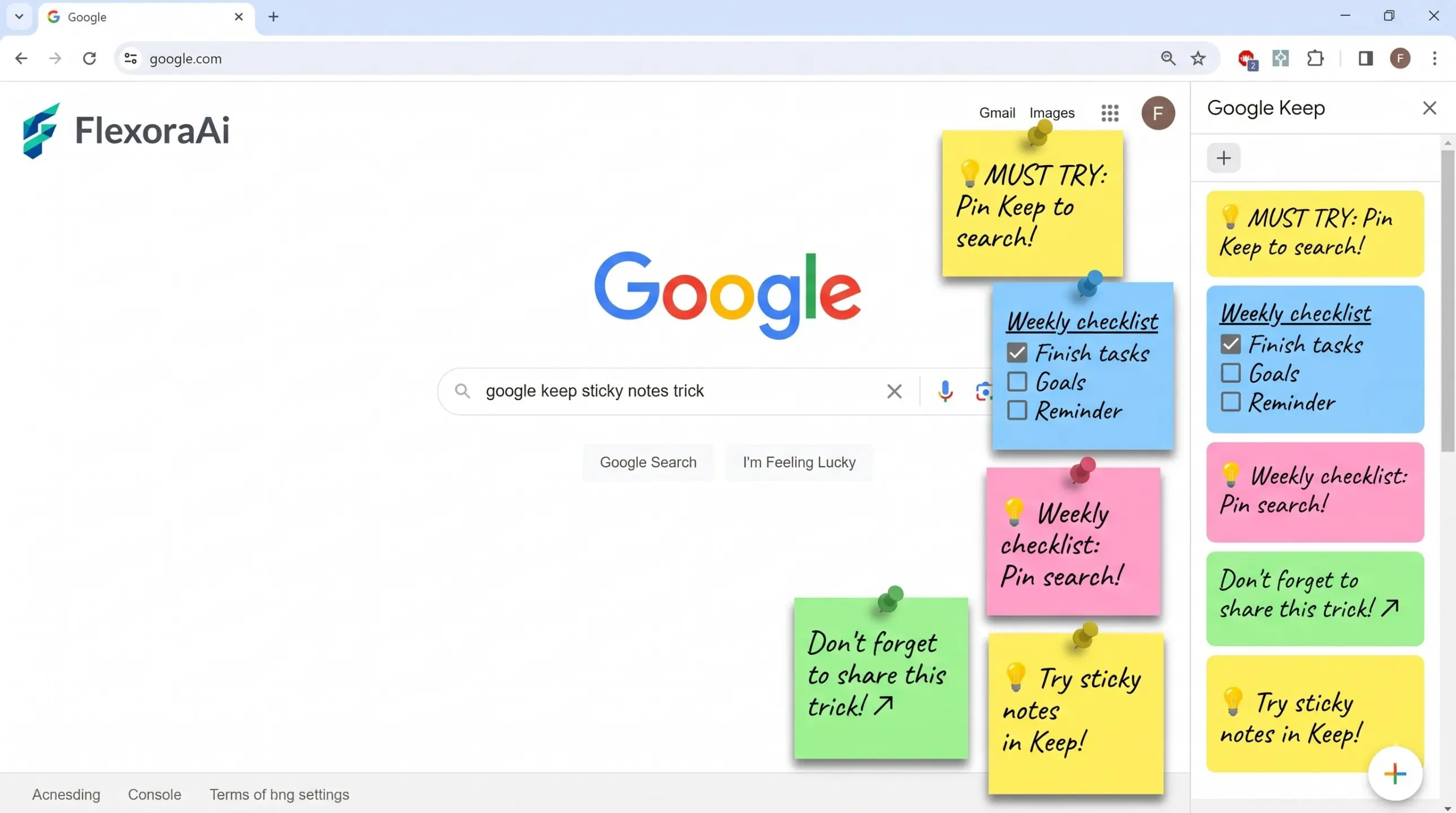
Sticky notes are the original productivity hack: a small square of paper, a thought, a place where you'll see it. Search for “Google sticky notes trick” and you'll find confident answers. We looked for a real one and found something more useful, which is how to get the same effect with tools that exist. This guide belongs to our Google search tricks list.
Short answer: We could not verify a dedicated sticky notes trick in Google Search. The real alternatives are Google Keep, which acts as digital sticky notes, a custom Chrome search shortcut for your notes, and an Add Note button that Google has been testing in search results.
Worth knowing
- No verified sticky notes Easter egg in Search.
- Google Keep is the closest thing, and you can search it from Chrome's address bar.
- Check extensions' permissions before installing.
The real options
| Option | What it does | Catch |
|---|---|---|
| Google Keep | Colorful notes and lists that sync across devices | Needs a Google account |
| Keep search shortcut | Search your notes from Chrome's address bar | Needs a one-time setup |
| Add Note in Search | Lets you attach a note to a search, reported as a test | Rollout varies, so it may not appear |
| Sticky note extensions | Notes on your new tab | Check the permissions first |
Set up a Keep search shortcut
- Open Chrome's settings and find Manage search engines.
- Choose to add a site search.
- Name it Keep and set the keyword to keep.
- Use the Keep search address with a placeholder for your search text.
- Type keep and press Tab in the address bar, then your search words.
Now a note is one keystroke and a few letters away. It's the sort of small habit that makes a big difference.
Finding utility in quiet corners of Google is a theme of our complete list of Google Easter eggs.
Make notes work harder
- Add a reminder. A note with a reminder can show up in your calendar.
- Use labels and colors. They make a pile of notes easy to scan.
- Photograph receipts. Keep can find words in photos, in English.
- Keep notes short. One idea per note is easiest to act on.
A caution about extensions
Sticky note extensions are popular, but not all of them behave the same way. One well-known new-tab sticky notes extension tells you on its listing that installing it sets your new-tab search provider to Microsoft Bing. That might be fine, but it isn't what most people expect from a notes tool.
- Read the permissions before you click Add.
- Check what the extension changes besides your notes.
- Prefer tools from companies you recognise.
- Remove anything you don't use.
For simpler, older ways to stay organised, see our retro Google tricks guide.
A short history of the sticky note
The Post-it Note grew from an adhesive that was weak by design. A 3M scientist developed the glue in the late 1960s, and a colleague later used it to keep bookmarks from falling out of a hymn book. The notes went on sale across the United States in 1980, and the idea of a note you can stick, move and peel off became part of office life.
Digital sticky notes borrow the same idea: small, visible, easy to throw away.
Paper or digital?
| Paper note | Digital note | |
|---|---|---|
| Visibility | Hard to ignore on a monitor | Only if the app is open |
| Searchable | No | Yes |
| Syncs across devices | No | Yes |
| Reminders | Only if you look | Can send an alert |
A five-minute weekly review
- Open Keep and look at every note.
- Delete what's done.
- Turn vague notes into a first step.
- Add a reminder to anything with a date.
- Pin the three that matter most.
How we checked this: We used Google's Keep help pages, a productivity newsletter for the search shortcut, a report on the Add Note button test, and the extension's own store listing for its search change. We found no official Google sticky notes Easter egg. If something here is out of date for you, email ownerflexora.ai@gmail.com and we will fix it.
Your turn: Write one thing you keep forgetting as a Keep note, add a reminder, and see if you remember it tomorrow without checking.
The best sticky note is the one you see. Pick a tool, keep it close, and let it nag you gently.
More tricks to try
Want to turn notes into action? The Google timer and stopwatch trick is next.
Frequently Asked Questions
For official instructions, see Google's help page for searching Keep.