🌌 Google Tricks · Zero Gravity · Mr.doob
Google Zero Gravity Mode
(Google Space Explained)
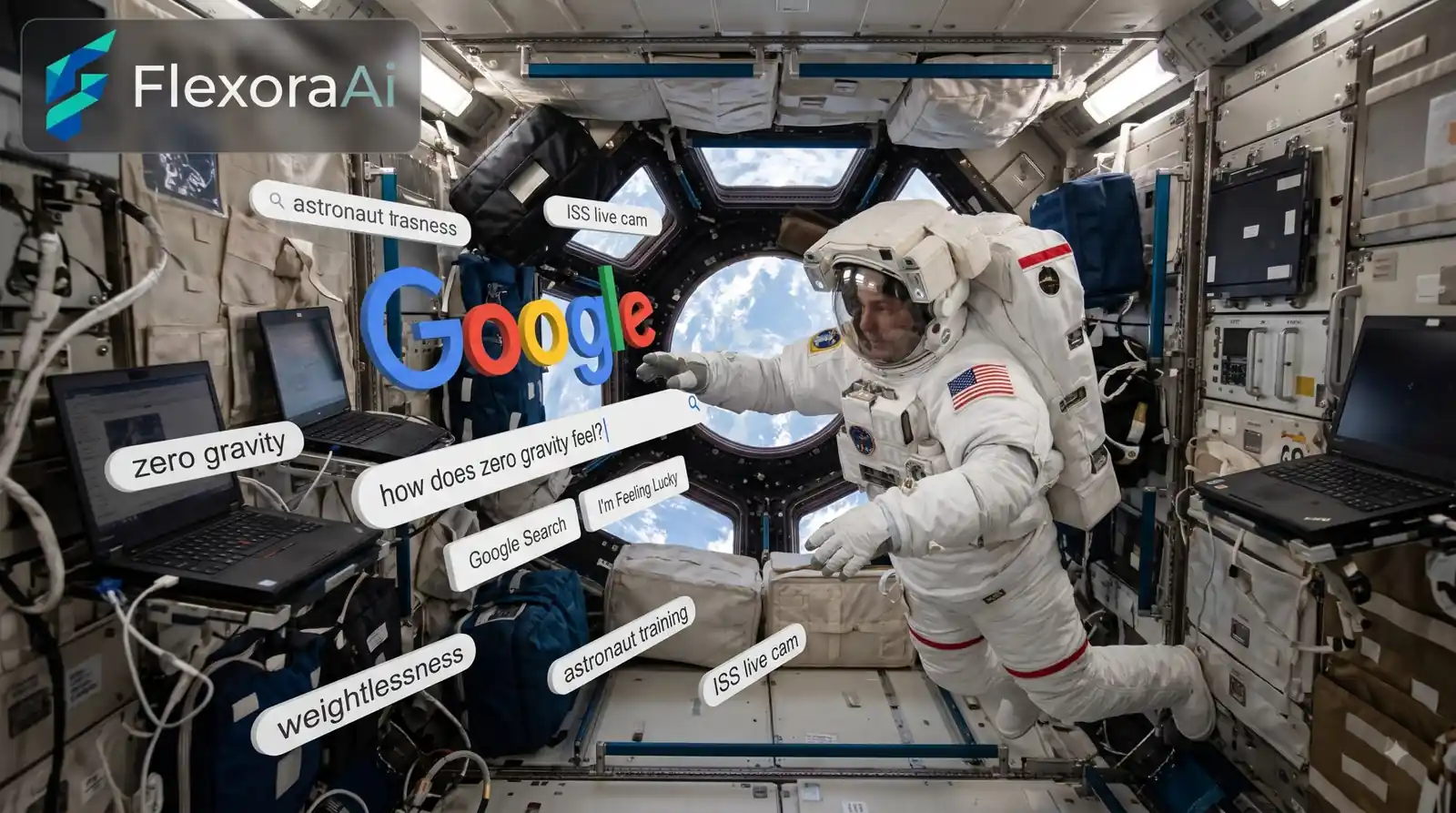
“Google zero gravity” isn’t a setting you can switch on in Search. It’s a nickname people give to a small piece of browser art in which the Google homepage comes loose and starts to float.
The proper name is Google Space, and it belongs in our Google gravity and underwater tricks guide. Here’s what it is, where it came from and how to play with it.
Quick answer: “Zero gravity” Google usually means Google Space, a 2012 experiment by developer Mr.doob where the logo, search box and buttons float and collide. It isn’t an official Google Easter egg. Drag and throw the pieces to play. The original search box stopped returning results in 2014 when Google retired the API behind it.
What zero gravity mode is
Google Space, also called Floating Google, applies a zero-gravity simulation to a Google-style homepage. The search box, buttons and links drift and collide, and you can drag or throw them. Developer Mr.doob published it in October 2012 as a physics experiment for the browser. Google featured it in Chrome Experiments next to his earlier Google Gravity, but it was never an official Google Easter egg.
He made several Google toys, and the hub linked above covers the whole set.
How to try it
You can try the original on Mr.doob’s site and read about it in the Experiments with Google listing. The elgooG fan site hosts an enhanced edition with touch controls and a dark theme, and it’s clear that it isn’t affiliated with Google. Steps for that version:
- Open the Floating Google page (elgoog.im/floating) and press the launch button.
- Watch the pieces of the Google page start to float.
- Click and drag any piece to send it bouncing across the screen.
- Press the search button to add a random Easter egg card to the scene. It adds an object, not live search results.
- Switch to dark mode if you want a darker backdrop.
Prefer to read about the wider picture first? Our complete list of Google Easter eggs separates real eggs from experiments like this one.
Why the search box doesn’t work
The original Google Space pulled results through the Google Web Search API. Google retired that API on September 29, 2014, so the built-in search stopped working. The elgooG edition replaces it with cards from its own site, so the button feels alive without returning any Google results. If you only wanted to search, you’re in the wrong place. If you wanted to throw a logo at a wall, you’re in the right one.
Gravity vs Space vs Underwater
| Trick | What the page does | Made by |
|---|---|---|
| Google Gravity | Drops into a pile at the bottom | Mr.doob, 2009 |
| Google Space | Drifts weightlessly, colliding with itself | Mr.doob, October 2012 |
| Underwater Search | Floats on water with fish below | Google China, April 1, 2012 |
Gravity and Space are two sides of the same toy. Underwater is a separate April Fools prank by Google China. For a water-themed variant, see the Google underwater fish trick.
When the weightlessness wears off, try our free AI tools.
Frequently asked questions
It usually means Google Space, also called Floating Google, a 2012 browser experiment by Mr.doob where a Google-style homepage floats in zero gravity and you can drag and throw its pieces.
No. Google featured Google Space in Chrome Experiments, but Mr.doob built it as an independent experiment. You cannot trigger it from a normal Google search.
Open the original on Mr.doob’s site or the Floating Google page on elgooG, then click and drag the floating logo, search box and buttons to send them across the screen.
The original used the Google Web Search API, which Google retired on September 29, 2014. The elgooG edition’s search button adds random Easter egg cards instead of results.
The elgooG edition adds touch controls, so you can drag and throw pieces on a phone or tablet. The original experiment was built mainly for desktop browsers.
Sources checked
Facts here were checked against these sources on November 2, 2026. Gameplay and settings were not tested for this article, so try anything yourself before relying on it.
- elgooG Google Space (Floating Google) page — creator, October 2012 date, behavior and the 2014 API shutdown.
- Experiments with Google — the Google Space listing.
- elgooG Underwater Search page — the comparison with the underwater prank.
The original listing: Google Space on Experiments with Google, where Google featured Mr.doob’s experiment.