🧭 Student Loans · How-To · AI Workflow
How to Use AI to Manage Student Loan Debt
(A 7-Step Routine)
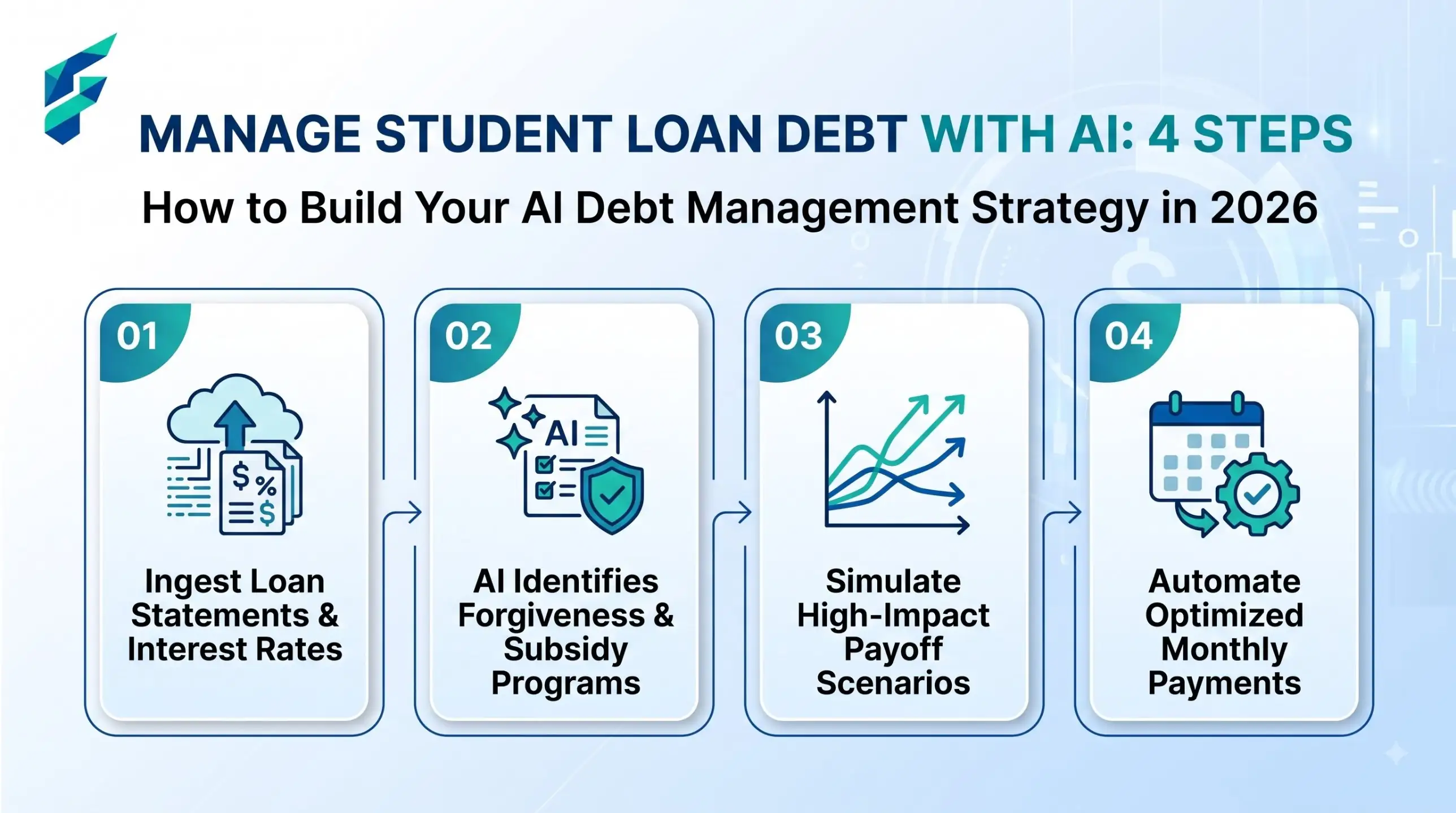
Here’s the short version of how to use AI to manage student loan debt: put every loan in one table, let the chatbot do the sorting and the maths, and keep every real decision in your own hands. It won’t pay anything off for you. It will stop the debt living vaguely in your head, where it always looks bigger.
Quick note: I’m not a financial advisor or a lawyer, and loan rules change. Treat everything here as a way to understand your numbers, then confirm anything that affects your money on StudentAid.gov or with your servicer.
How do you use AI to manage student loan debt?
Use AI as an assistant with a fixed routine: build a loan table, check your plan, budget around the payment, choose a payoff order, and review it monthly. AI organises and explains. You verify the numbers on StudentAid.gov or with your servicer before acting.
Step 1: Build one loan list
Federal loans are in your StudentAid.gov account. Private ones are in lender portals or your credit report. Write balance, rate, type and servicer for each. What goes wrong: people forget small private loans or one old federal loan. Count twice.
Step 2: Check your plan still exists
This is the step that caught a lot of people out in 2026. A chatbot trained on older data may cheerfully recommend a plan that no longer exists, so paste in the current rules and ask it to use only those.
What changed in 2026 (US federal loans): a court order ended the SAVE plan on March 10, 2026. A new income-driven plan, the Repayment Assistance Plan (RAP), opened on July 1, 2026. If you borrowed or consolidated on or after that date, RAP and the new Tiered Standard plan are your only two options. Borrowers with only older loans can still use IBR, plus ICR and PAYE until July 2028. Ex-SAVE borrowers got a 90-day notice from their servicer between July and October 2026, so check your deadline now.
I have federal Direct loans first taken out in 2022. I am not consolidating.
Using ONLY the rules below, list which repayment plans I can use and what each one means for my monthly payment.
[paste current plan rules from StudentAid.gov]
Step 3: Turn income into a budget
My take-home pay is $[X] a month. Fixed costs: rent $[X], food $[X], transport $[X], phone $[X].
My student loan payment is $[X] and cannot change.
Build a monthly budget. Show what is left and where a $50 extra payment could come from.
What goes wrong: AI assumes numbers for things you didn’t list. Add the line “do not invent expenses.”
Step 4: Pick a payoff order
Two common orders. Avalanche pays extra on the highest rate first and costs the least. Snowball pays extra on the smallest balance first and gives quicker wins. In my three-loan test ($30,000 total, an extra $100 a month), avalanche saved about $877 in interest and two months. That’s real, but small. If a quick win keeps you paying, snowball is fine. The details are in the payoff calculator guide.
Step 5: Run a 10-minute check each month
Here is my updated loan table after this month’s payment.
Tell me: new total balance, how much I paid down, interest paid this month,
and whether I am on track for my target payoff date. Flag anything that looks off.
Ten minutes. Same day each month, right after payday. The point isn’t the maths, it’s that you stop being surprised.
Step 6: Draft servicer messages with AI
Servicers get long emails and answer short ones. Ask AI for a short, polite message that asks one clear thing, such as how to apply extra money to principal on one specific loan. Read it, remove anything you don’t mean, and send it yourself. Don’t include your FSA ID or full Social Security number.
Step 7: Spot scams early
Companies that charge a fee to “enrol you in forgiveness” or “lower your payment” are a known problem. Federal repayment plans and consolidation are free to apply for on StudentAid.gov. Read the official scam guidance and, if something sounds too good, ask the AI to list the red flags in the offer, then check them against the official page.
What to paste and what to keep out
| Fine to paste | Never paste |
|---|---|
| Balances, rates, loan types | FSA ID, passwords, security answers |
| Monthly income and expenses (rounded) | Social Security number |
| Your servicer’s plan names | Full account or bank numbers |
| Draft emails with names removed | Photos of statements showing account details |
When NOT to use AI for this:
• To decide whether to refinance federal loans into private ones. You give up federal protections, so check with a counselor first.
• To confirm a forgiveness claim. Only your servicer or StudentAid.gov can.
• If you are already behind on payments. Contact your servicer today and ask about options.
Common questions
Next steps
If you haven’t added up your loans yet, start with the AI student debt calculator. To work out your monthly payment, use the AI student loan repayment calculator. Compare tools in AI tools for student loan repayment. Free human help is also available from the nonprofit Student Loan Borrower Assistance project. And if you’re job-hunting while you repay, an AI resume for freshers is a good first move.