🛠️ Student Loans · AI Tools · Roundup
AI Tools for Student Loan Repayment
(What to Use, and When)
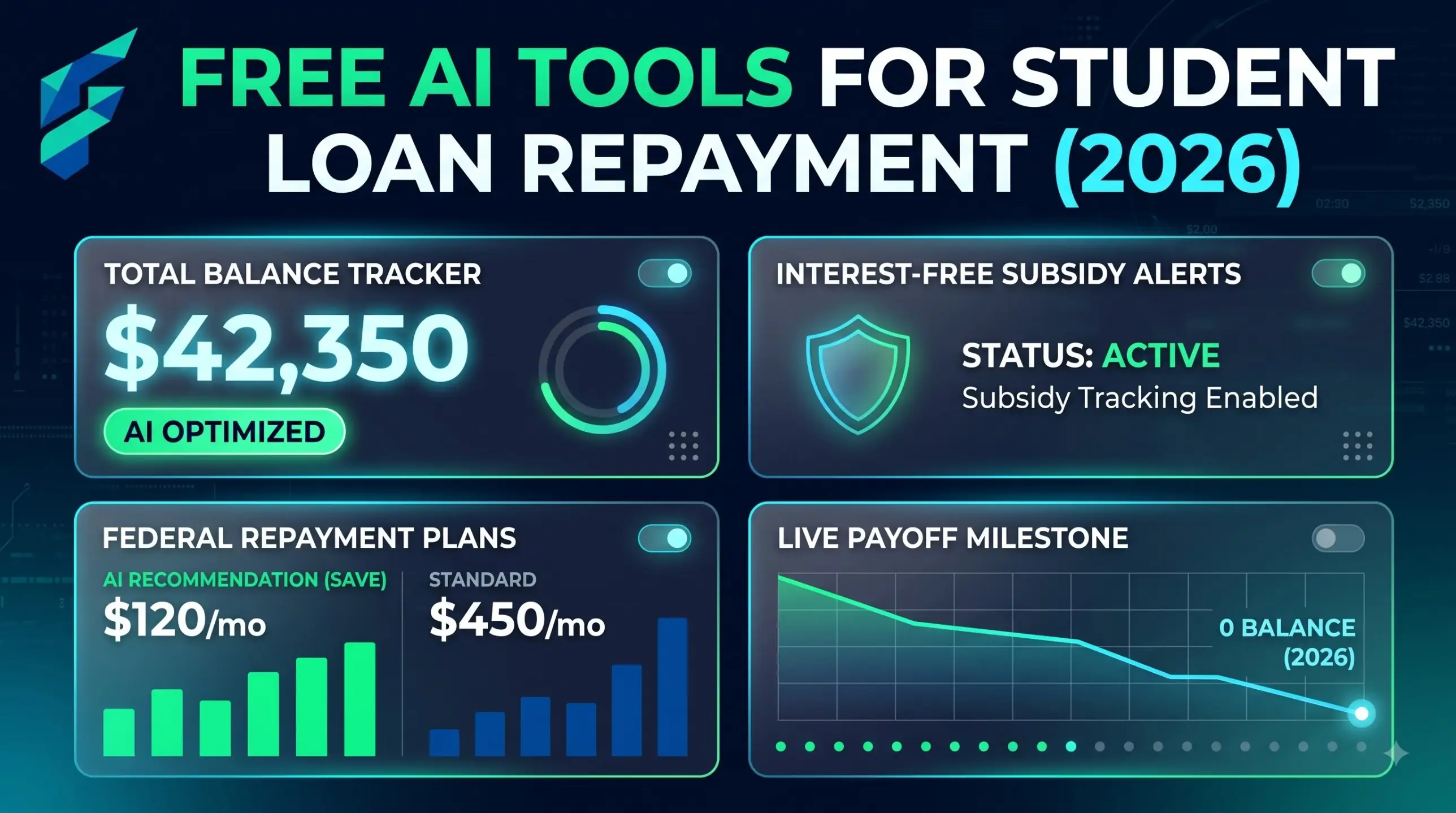
The best AI tools for student loan repayment aren’t all AI. My honest ranking: use the official calculator for the number, a chatbot for the explanation, and a spreadsheet to check both. Here’s what each does well, what it gets wrong, and when to pick it.
Quick note: I’m not a financial advisor or a lawyer, and loan rules change. Treat everything here as a way to understand your numbers, then confirm anything that affects your money on StudentAid.gov or with your servicer.
Which tools are best for student loan repayment?
For US federal loans, start with the StudentAid.gov repayment calculator for plan numbers, then use a free AI chatbot to explain results and build a payoff plan. Add a spreadsheet for checking maths, and your servicer portal for balances. Nonprofit counselors are the human backup.
| Tool | Best for | Cost | Watch out for |
|---|---|---|---|
| Official repayment calculator | Plan payments, forgiveness timing | Free | Only covers federal loans |
| AI chatbot | Explaining, budgets, payoff scenarios | Free tier is enough | Can misremember plan rules |
| Spreadsheet (PMT, NPER) | Checking any payment or payoff date | Free | You build it yourself |
| Servicer portal | Real balance, autopay, payment history | Free | Doesn’t compare strategies |
| Nonprofit counselor | Big decisions, forgiveness, default | Free | Slower, by appointment |
1. The official repayment calculator
This is the one number-source you can trust. After you log in to StudentAid.gov, the repayment calculator reads your actual loans and shows what you’d pay under each plan available to you. That matters in 2026, because new loans taken on or after July 1 get a shorter menu: RAP or the Tiered Standard plan. A chatbot can’t see your account. This tool can.
2. A free AI chatbot
ChatGPT, Gemini, Claude and Copilot all do this job on their free tiers. The strength is explaining: why the payment is what it is, what “capitalisation” means, what happens if you add $100 a month. The weakness is memory. Plan rules changed fast this year, so paste current rules into the prompt. Prompts are in the repayment calculator guide.
3. A spreadsheet
Two formulas cover most needs. =PMT(rate/12, months, -balance) gives a monthly payment, and =NPER(rate/12, -payment, balance) tells you how many months to payoff. For the $30,000 loan at 6.52% over 10 years, PMT returns $340.95. Add $100 and NPER returns about 86 months. If your chatbot disagrees with the spreadsheet, trust the spreadsheet. Ask the AI to explain its steps.
4. Your servicer portal
It’s dull and it’s accurate. Use it for exact balances, payment history, autopay and how extra payments get applied. Log in directly to the servicer site you reach from StudentAid.gov. Don’t reach it through an email link.
5. Free human help
If you’re weighing forgiveness, a default, or consolidation, talk to a person. The Student Loan Borrower Assistance site from the National Consumer Law Center explains your rights in plain language, and the CFPB has free tools.
Which tool for which situation
| If you want to… | Use |
|---|---|
| Know your exact payment on each plan | Official repayment calculator |
| Understand why your balance isn’t falling | AI chatbot, then confirm with servicer |
| Check any number quickly | Spreadsheet PMT / NPER |
| Compare avalanche and snowball | AI chatbot + spreadsheet (see the payoff guide) |
| Decide on forgiveness or refinancing | Nonprofit counselor + official sources |
Skip these:
• Any site that asks for your FSA ID but isn’t StudentAid.gov.
• Anyone charging a fee to “apply for forgiveness.”
• Calculators with outdated plan names. If it still offers SAVE as an option, close the tab.
Borrowing in India? Your bank’s EMI calculator and a spreadsheet PMT formula do the job. For tax, check how interest on education loans is treated under the current Income Tax Act on incometax.gov.in.
Common questions
Next steps
Pick one tool and run a single number today. The AI student debt calculator shows what you owe, the AI student loan payoff calculator guide shows how fast you can clear it, and this 7-step routine ties it together. Not sure which AI to open? See our guide to choosing the right AI tool.