📱 Social Media · AI Productivity · Content Strategy
AI Tool to Plan a Week of Social Media Posts
(Free Method)
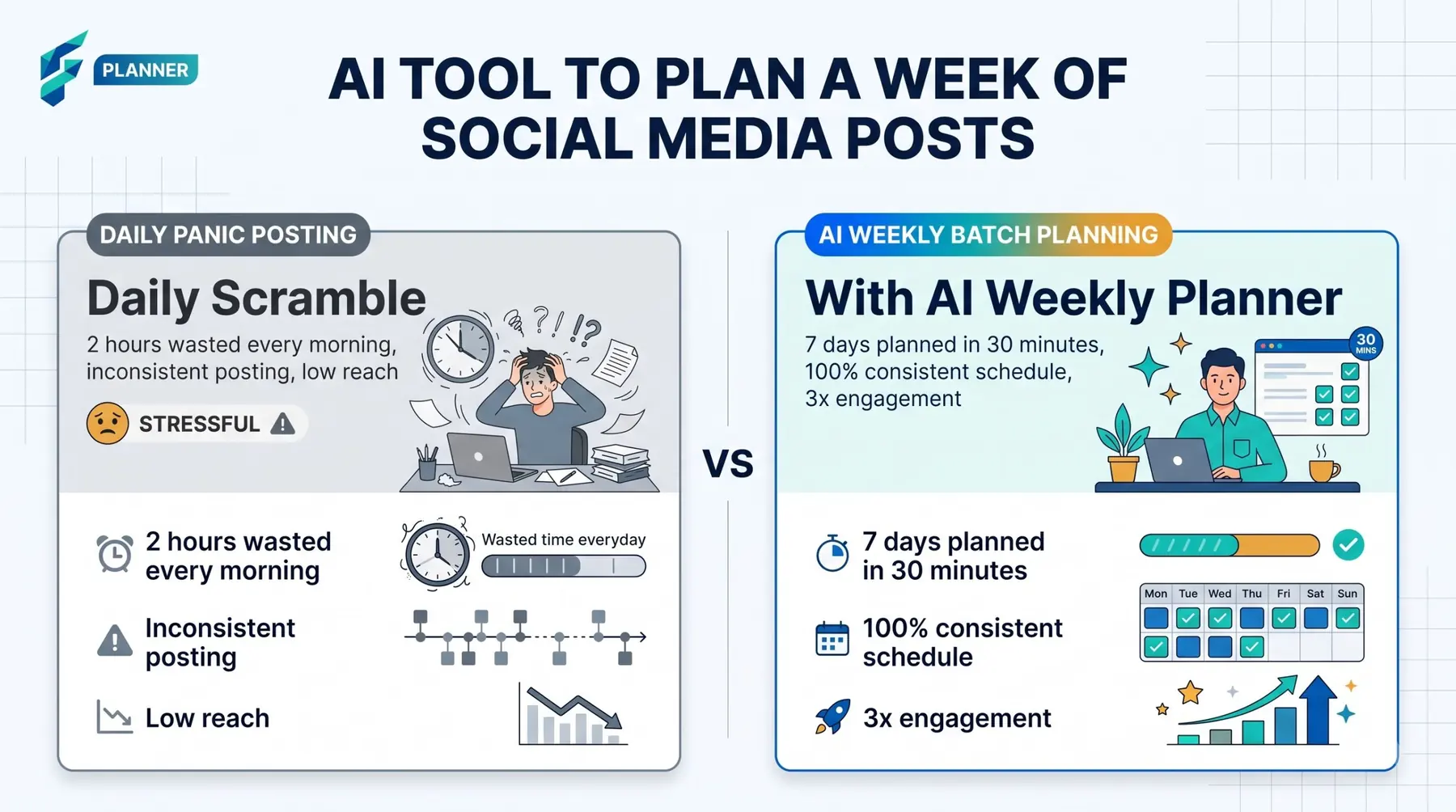
Most small business owners do not fail at social media because of bad ideas. They fail because every morning they ask the same question: "What do I post today?" The fix is to answer it once, for the whole week, before the week starts.
A free chatbot such as ChatGPT, Claude or Gemini can help with this. But it only works well if you give it your real facts. This guide shows you how.
Start with a plain 7-day grid
Before you open any AI, draw this grid on paper or in a notes app. Fill it with the days you really can post. Five posts is fine. Seven is not a rule.
| Day | Post type | Goal | Effort |
|---|---|---|---|
| Mon | Low / Medium / High | ||
| Tue | |||
| Wed | |||
| Thu | |||
| Fri | |||
| Sat | |||
| Sun |
"Goal" is one word: learn, trust, visit, buy, reply. "Effort" tells you how heavy the post is. A photo of today's work is low effort. A short video is high. Do not put two high-effort days next to each other.
The 3-pillar mix: teach, show, sell
Every post fits one of three pillars.
| Pillar | What it does | Example idea |
|---|---|---|
| Teach | Gives one small, useful tip | "How to store bread so it stays soft" |
| Show | Lets people see you, your place, your process | A photo of the morning prep |
| Sell | Asks for an order, a visit or a message | "Order for Saturday by Thursday" |
A simple mix for a week of seven posts is 3 teach, 2 show, 1 sell, and one free slot for a question or a reply to a customer. If you only post five times, try 2 teach, 2 show, 1 sell.
People who only see offers stop reading. People who learn from you remember you when they need to buy.
One prompt that makes the whole week
Paste this into your chatbot. Fill every bracket with real facts. The AI cannot know your business unless you tell it.
I run a [business type] in [city]. My customers are [who they are].
Plan 7 days of social media posts for [platform] using a mix of 3 teach, 2 show, 1 sell, and 1 question.
Use a table with: day, pillar, post idea, goal, effort (low/medium/high).
Then write a short draft (40-60 words) for each day.
Use only these real facts: [list 5-8 facts: products, prices, opening hours, a recent event, a real customer question].
If a post needs a fact I did not give, write [ADD FACT] instead of inventing one.
Do not put two high-effort days in a row. No hashtags longer than 5. Plain, friendly voice.
Real-world example: For my own freelance business, a customer recently asked, "Do I need to buy hosting separately?" I used this exact question as a "Teach" post, and it became my highest-engagement post of the month because it addressed a real, common pain point.
The line "write [ADD FACT]" is important. It stops the AI from making up prices, dates or offers.
The Sunday batching routine (60 minutes)
Do the same steps in the same order each week. A routine is easier than motivation.
| Minutes | Step | What you do |
|---|---|---|
| 0-10 | Plan | Run the week prompt. Read the grid. Change anything that does not fit your week. |
| 10-30 | Write | Edit each draft. Add the real facts. Cut anything that sounds like an advert. |
| 30-45 | Pictures | Take or pick photos for each post. Use what you already have. |
| 45-60 | Schedule | Put each post in your scheduler, or set phone reminders with the text saved in your notes. |
If you want help with pictures and layout, see our guide to AI tools for social media graphics and the wider overview of AI social media tools for small business.
Use one idea on more than one platform
Do not plan a new idea for each platform. Plan one idea, then change its shape. A tip can be a caption on Instagram, a short post on Facebook, and a message to your WhatsApp list. Our guide to AI content repurposing tools for small business shows how. For caption writing in detail, read the sister guide on an AI tool to write Instagram captions for small business.
Example week for a bakery (fictional)
This is a made-up example. The bakery, the prices and the times are invented. Use your own facts.
| Day | Pillar | Post | Effort |
|---|---|---|---|
| Mon | Show | Photo of 5 a.m. dough, "Today's first batch" | Low |
| Tue | Teach | "Keep bread in paper, not plastic. Here is why." | Low |
| Wed | Question | "Seeded loaf or plain? Tell us which." | Low |
| Thu | Teach | "Three ways to use bread that is two days old" | Medium |
| Fri | Sell | "Weekend orders close tonight at 6 p.m. Message us." | Low |
| Sat | Show | Short video of the shop opening | High |
| Sun | Teach | "Why we rest dough overnight" | Medium |
Look at the pattern. Only one day is high effort. The sell post comes after two teach posts and a question. The Friday post has a real deadline, which gives people a reason to act.
If the AI gives you this, do this
| What you get | What to do |
|---|---|
| Seven posts that all sound like adverts | Ask: "Change 4 of these to teach or show. Remove the sales words." |
| Ideas that need big videos every day | Say: "Only one post this week may need video. The rest are one photo and text." |
| Invented prices, offers or dates | Delete them. Re-run the prompt with your real facts only. |
| Generic tips anyone could write | Add a real customer question or a mistake you saw this month. |
Check the week: three numbers
On Friday evening, write down three things. No tools needed.
- Reach: how many people saw your posts, as the app shows it.
- Saves or replies: how many people saved a post or answered it.
- Messages received: how many people wrote to you because of a post.
Do not compare yourself with anyone else's numbers. Compare this week with your last week. Then ask one question: which pillar got the most saves or messages? Plan more of that next Sunday, and a little less of the weakest one.
When NOT to use AI for this:
Do not let AI plan posts about real events in your life or community: a delay, a complaint, a loss, a staff change. Write those yourself. Do not let it decide your prices or offers. Read every draft before you post it.
Common questions