✍️ Writing · Plain English · AI Productivity
AI Tool to Rewrite Sentences in Simple English
(6 Jobs + Safe Prompts)
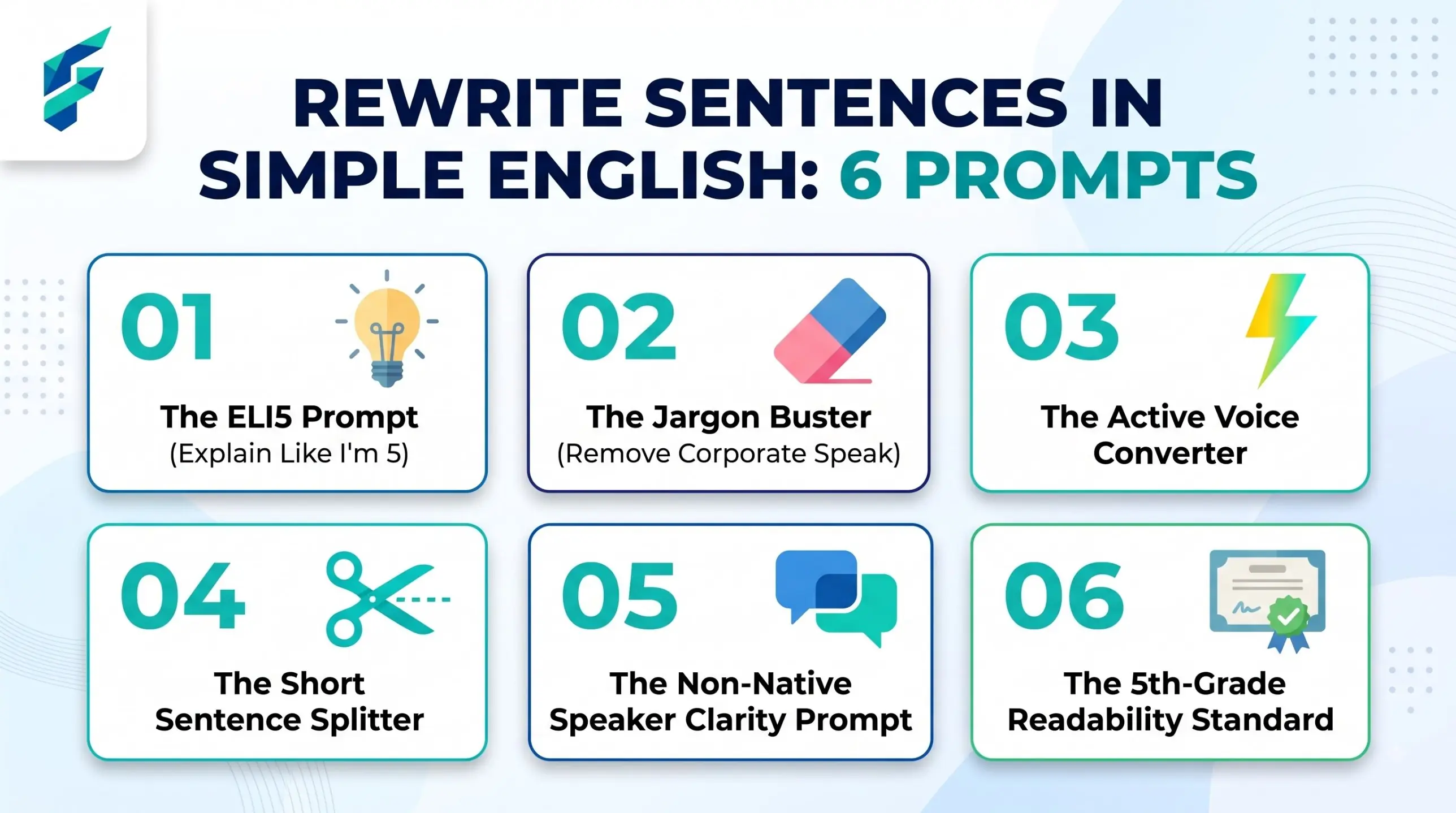
You write in English, but it is not your first language. Your sentences are long. Some words feel too hard or too formal. A free AI chatbot can rewrite your sentences in simple English in a few seconds. The risk is that it changes your meaning or your voice. This page shows how to get clear wording and still sound like you.
Simple English is not baby English
Simple English does not mean short, flat or childish. It means the reader understands you on the first read. A busy customer, a hiring manager and a tired colleague all like it.
Good simple English has three habits:
- One idea per sentence. If you see "and", "which" and "because" in one line, split it.
- Common words. Write "use", not "utilise". Write "start", not "commence".
- The doer comes first. Write "We sent the file", not "The file was sent".
You can still keep warm words, a joke or a polite greeting. Simple does not mean cold.
The six rewrite jobs, each with a one-line prompt
Do not ask the AI to "make it better". That is too vague. Pick one job at a time. All examples below are fictional.
| Job | Before (fictional) | After (fictional) | One-line prompt |
|---|---|---|---|
| Shorten | We would like to take this opportunity to inform you that the meeting has been moved. | The meeting has moved. | Shorten this. Keep every fact. |
| Split long sentences | Our shop opens at nine, but on Sundays we open later because the staff need rest, so please check the page. | Our shop opens at nine. On Sundays we open later. Please check the page. | Split any sentence with more than 20 words. |
| Replace hard words | Please ascertain the requisite documentation. | Please find the documents you need. | Replace hard words with common ones. |
| Remove passive voice | Your order was packed by our team. | Our team packed your order. | Rewrite in active voice. Say who does what. |
| Change tone | Pay now or the account will be closed. | Please pay today so we can keep your account open. | Make this friendly but still clear. |
| Keep meaning exactly | Refunds may take up to 10 days. | Refunds may take up to 10 days. | Change the words only. Do not change the facts. |
The last job is not really a rewrite. It is a rule for all the others. The next section gives you a full prompt for it.
The safety prompt: ask the AI to list every change
An AI can quietly drop a small word like "not" or "up to". Then your message says something new. To catch this, make the AI show its work.
Rewrite the text below in simple English for a reader who is not a native speaker.
Use short sentences and common words. Keep the same meaning.
Do not change any number, name, date, price or promise.
After the rewrite, give me a list called CHANGES.
In it, show each old phrase and the new phrase next to it.
Also list anything you were not sure about.
[paste your text here]
Now read the CHANGES list, not only the new text. If a line surprises you, undo it.
Keep your own voice with two sample sentences
Many AI rewrites sound the same. They feel like a robot wrote them. A simple fix is to show the AI how you write.
Pick two sentences you wrote yourself that you like. They can come from an old email or post. Paste them as a sample.
Here are two sentences I wrote. This is my style:
1. [your sentence one]
2. [your sentence two]
Rewrite the text below in simple English. Match my style: my level of warmth, my sentence length and my way of greeting.
Do not add words or ideas I did not write.
[paste your text here]
Then read the result aloud. If you would never say it, change it by hand.
Check the reading level without made-up scores
You do not need a number. Three simple checks work better.
- Read it aloud. If you run out of breath, the sentence is too long.
- Count the ideas. One sentence should hold one idea. Two ideas need two sentences.
- Ask for a word flag. Send this to the chatbot:
List every word in this text that a beginner may not know. Suggest a simple word for each.
The word flag is only a guess. The AI does not know your reader. If your reader works in logistics, "invoice" may be fine. "Per our earlier correspondence" is not.
Numbers, names and dates: compare them yourself
This is the most important rule. AI makes small slips with facts, even when it tries to help. Do not trust the "keep the numbers" instruction alone.
Before you send, place the old and new text side by side. Check these items by eye:
- Numbers and prices. Every digit, every currency sign.
- Names. People, companies, product names, spelling.
- Dates and times. Day, month, year and time zone.
- Small meaning words. "Not", "only", "up to", "at least", "may", "must".
This takes one minute. It can save you from a wrong price or a missed deadline.
Worked example: a late-delivery email in three steps (fictional)
Maria runs a small online shop (fictional). English is her second language. She wrote this email to a customer:
"Regarding your order number 4471, we regret to inform you that, owing to an unforeseen delay at the warehouse which was caused by a staff shortage, the parcel, which was due on 12 March, will now be dispatched on 15 March."
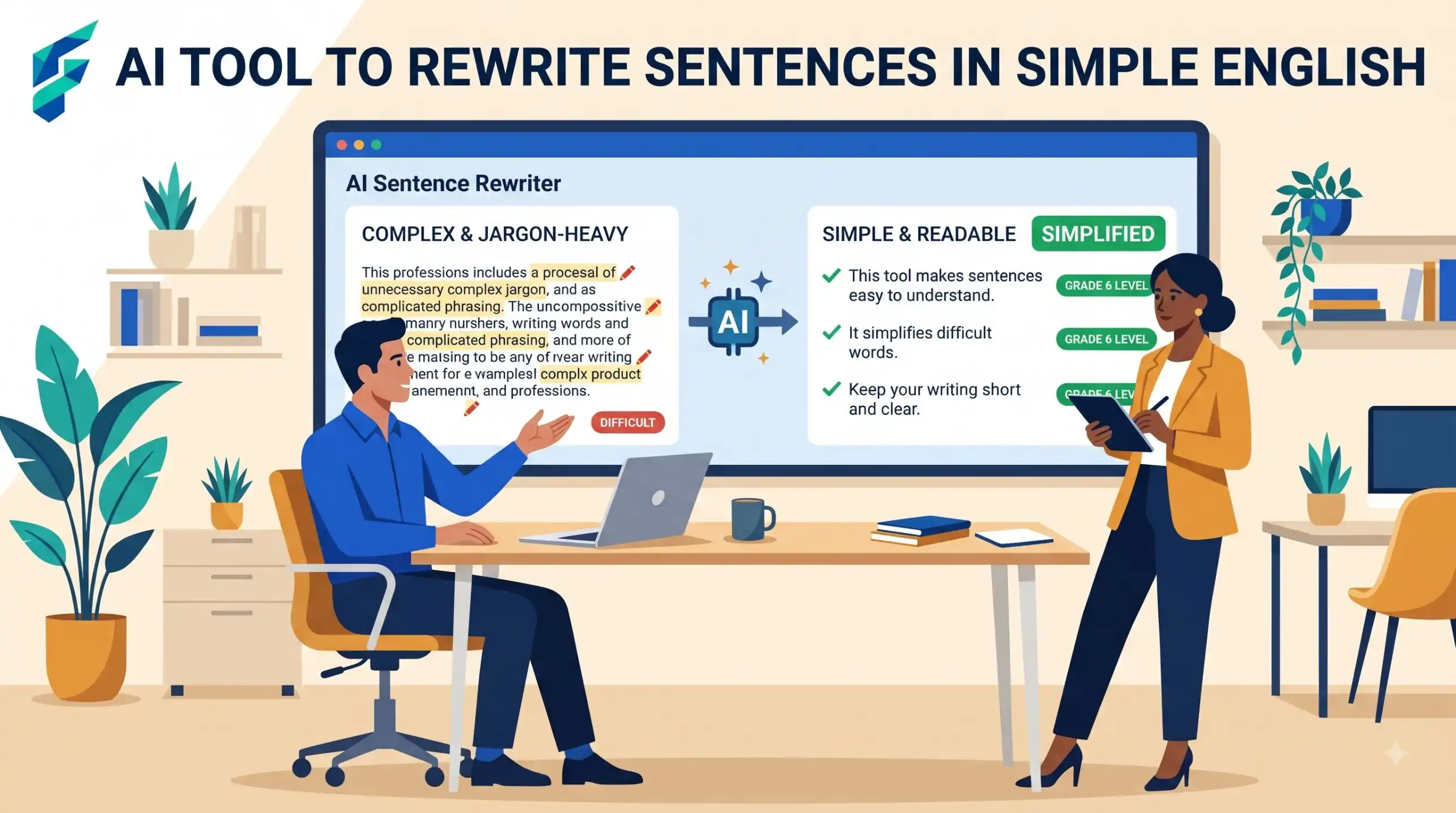
Step 1: split and shorten. She asks the chatbot to split long sentences. The result: "Your order 4471 is late. The warehouse had a staff shortage. The parcel was due on 12 March. We will send it on 15 March."
Step 2: change the tone. The text is clear but cold. She asks for a friendly tone and gives her two sample sentences. The result starts with "Hi Sam, I am sorry, your order 4471 is late."
Step 3: check the facts. She places the old and new text side by side. The order number is the same. The dates are the same. But the AI wrote "we will deliver it on 15 March". The old text said "dispatched", which means sent, not arrived. She fixes it to "we will send it on 15 March".
The final email has five short sentences. It is clear, polite and true. For more on handling a full inbox, see AI email management tools for small business.
Fix list: bad simple-English drafts and what to do
| If the AI draft is... | Do this |
|---|---|
| Too childish or too short | Say "keep it professional, for adult readers" |
| Missing a "not" or "up to" | Put the old text back for that phrase |
| A different number, date or name | Fix it by hand and check every other figure |
| Full of fancy words again | Ask: "Use only words a 12-year-old knows" |
| Sounding like a robot | Add your two sample sentences and ask again |
| Too many exclamation marks | Ask: "No exclamation marks. Calm and kind." |
When a translation tool is the better choice
Rewriting simplifies English you already wrote. It does not help if you think in another language and have no English draft yet. In that case, write in your own language first. Then use a translation tool, and simplify the English after. Our guide to the best AI translation tools compares your options. For whole files, read about AI tools for translating documents.
When not to use AI for this:
Do not use a rewrite for contracts, legal notices, medical instructions or visa forms. A small change in a word can change your rights or your safety. This is not legal or medical advice. Ask a qualified person to check these texts. Also avoid pasting private data, such as ID numbers or health details, into a chatbot.