💬 Messaging · AI Writing · Small Business
AI Tool to Write WhatsApp Business Messages
(Free Prompts)
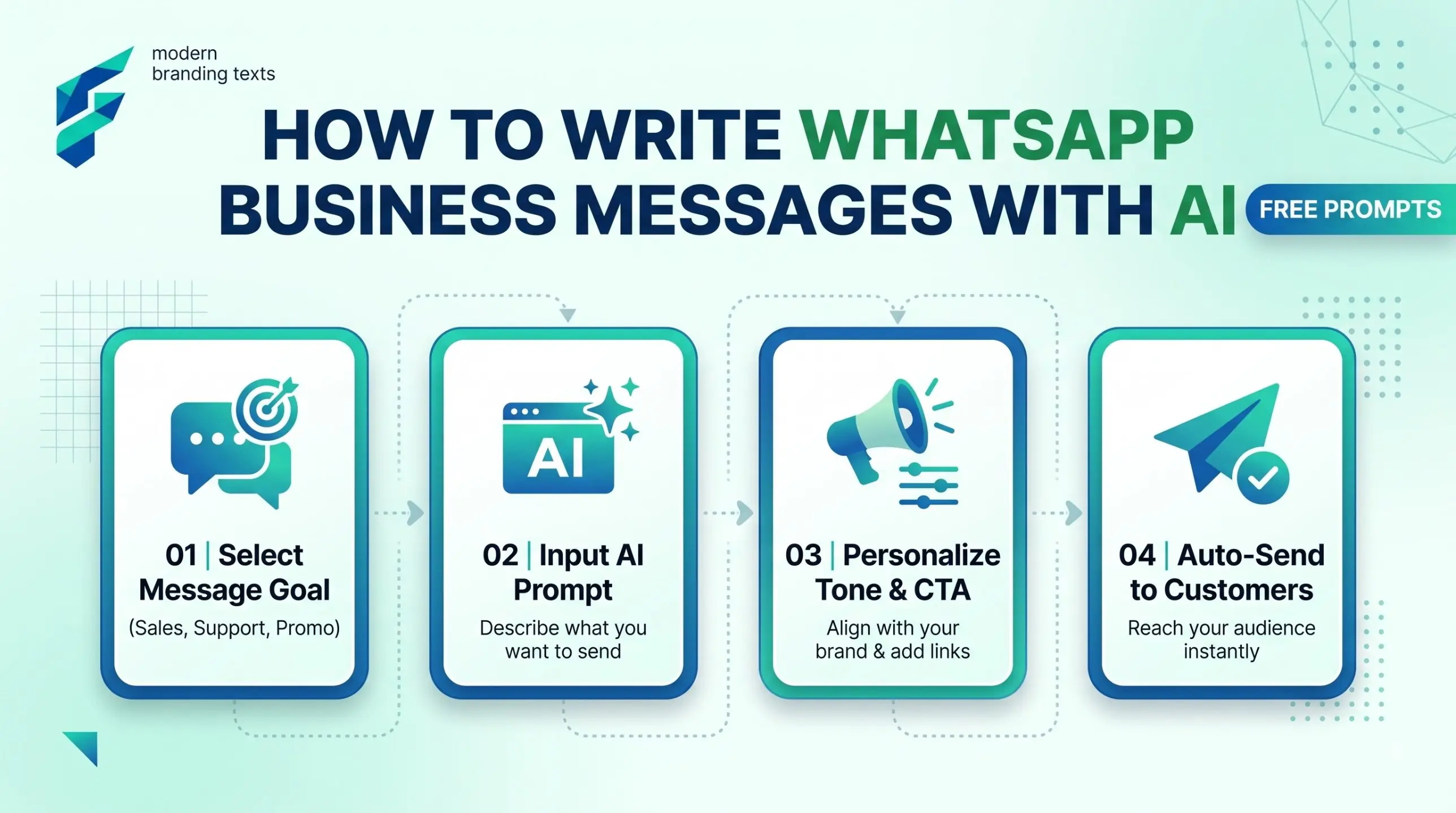
If customers message you on WhatsApp, you probably type the same answers many times a day. Price? Timing? Address? Is it in stock? An AI chatbot can write these replies once, in a good tone, and you save them and reuse them.
Quick answer: Use a free chatbot (ChatGPT, Claude or Gemini) to write your messages. Then save them inside the WhatsApp Business app so you can send them fast. AI writes the words. The WhatsApp Business app handles the saving and sending. You can see what the business side of WhatsApp offers on the WhatsApp Business site.
Messages every small business needs
- A greeting for first-time customers.
- An away message for when you are closed.
- Answers to the 5 questions customers ask most.
- A follow-up after someone asked but did not buy.
- An order confirmation and a thank-you.
Copy-paste prompt: the full starter set
I run a [business type] in [city]. Customers message me on WhatsApp.
Write these short messages in simple, friendly English (or Hindi if I say so):
1. A greeting for a new customer
2. An away message for when I am closed (hours: [hours])
3. Replies to these questions: [price, delivery, address, payment, returns]
4. A polite follow-up after 2 days if they did not reply
5. An order confirmation and a thank-you
Keep each under 40 words. Do not invent prices or policies. Use [brackets] where I must fill in details.
Copy-paste prompt: follow-up that does not feel pushy
Write a WhatsApp follow-up to a customer who asked about [product] 2 days ago and went quiet.
It should: remind them once, make it easy to say no, and offer to answer any question.
Under 35 words. No pressure words like "last chance".
What AI should not send for you:
• Prices and stock: You check these. AI will guess.
• Promises: (refund, delivery date). You decide.
• Unsolicited messages: Only message customers who contacted you or asked for updates. Spamming gets numbers blocked.
Emerging WhatsApp AI Tools (Actively Building & Developing)
While generic chatbots are great for drafting, several niche platforms are actively building and developing dedicated WhatsApp AI features. These are not the most popular mainstream giants yet, but they are worth watching as they develop robust, business-specific automation:
🛠️ Chatwoot
An open-source customer engagement platform actively developing open-source AI agents specifically designed to integrate seamlessly with WhatsApp Business API.
🤖 Landbot
A no-code builder that is currently developing deeper, native AI conversational flows tailored specifically for WhatsApp, moving beyond simple rule-based trees.
💬 Wati
A dedicated WhatsApp Business API provider actively building and rolling out native AI auto-reply and smart message categorization features for small teams.
⚡ Interakt
Focused heavily on small businesses, Interakt is developing lightweight AI automation to handle frequent WhatsApp queries without requiring complex coding knowledge.
Do you need a chatbot that replies on its own?
Not at the start. If you get a handful of messages a day, saved replies are enough. If messages pile up at night or you miss sales, then look at an AI chatbot for small business. Check every tool's current WhatsApp support, price and rules on its own site first, because they change.
For a wider view of what to hand to AI, see how to automate small business tasks with AI and AI personal assistant tools for small business. If WhatsApp is where your new customers come from, read AI lead generation tools for small business too.
A 15-minute setup
| Minute | Action |
|---|---|
| 0-5 | Paste the starter prompt, get all messages |
| 5-10 | Edit prices, hours and names |
| 10-15 | Save them as quick replies in the WhatsApp Business app |
Real-world example: For a local home-baking business I advised, setting up the "away message" and "order confirmation" as saved quick replies eliminated about 45 minutes of repetitive typing every single evening. The AI drafted the polite, friendly tone, but the owner filled in the exact pickup times and ingredient details, making it feel personal, professional, and trustworthy.
External resources
- WhatsApp Business — official page for the Business app and Business Platform.
- Create and manage posts on your Business Profile — if you also want customers to find you on Google.