✈️ Google Tricks · Google Earth · Flight Simulator
Google Earth Flight Simulator
(From Easter Egg to Web Feature)
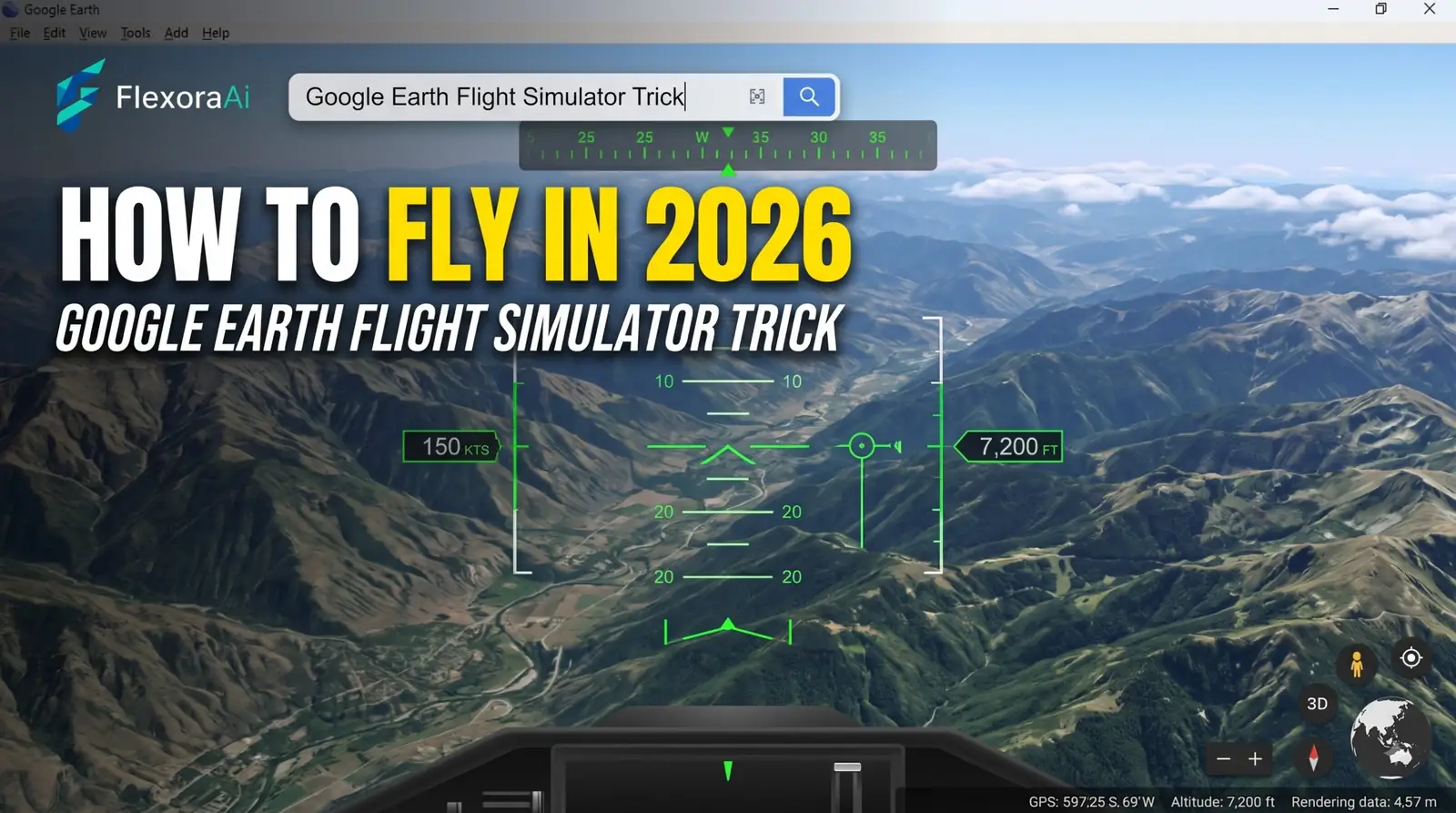
For nearly two decades, one of the best-kept secrets in Google Earth was a keyboard shortcut. Press three keys at once and a dialog box appeared that let you pick an aircraft and fly over real satellite imagery. People found it by accident, told their friends, and kept it alive as an Easter egg long after it stopped being a secret.
It has since graduated to a proper feature, and in 2026 it reached the browser. Here’s how to open it, how to fly it, and how it got here. It’s part of our Google products Easter eggs list.
Quick answer: Google Earth’s flight simulator began as a hidden 2007 Easter egg opened with Ctrl+Alt+A (Command+Option+A on Mac). Google made it an official menu option in 2008 and brought it to the web version of Earth in June 2026. Open the Tools menu, pick a plane, and fly with the keyboard.
How to open the Google Earth flight simulator
There are two routes, depending on which version of Earth you use.
In your browser (2026)
- Open Google Earth in a desktop browser.
- Open the Tools menu.
- Launch the flight simulator from there.
In Google Earth Pro on a computer
- Open Google Earth Pro.
- Choose Tools, then Enter Flight Simulator, or press
Ctrl+Alt+Aon Windows orCommand+Option+Aon Mac. - Pick an aircraft and a starting airport, or start from your current view, then press Start Flight.
A note for the shortcut: early write-ups said the A has to be a capital letter, and one forum tip says to turn on Caps Lock first. Several older guides also claim the browser version has no simulator. That was true for years, but it’s out of date now.
The two planes
| Plane | What it is | Best for |
|---|---|---|
| Cirrus SR22 | A four-seat propeller plane. Slower and more forgiving | Learning the controls and sightseeing |
| F-16 Viper | A single-seat fighter jet. Fast and sensitive | Covering ground quickly, and crashing in style |
Google suggests the SR22 for beginners and the F-16 for people who want a faster, more punishing climb. A newer write-up warns that the web version isn’t easy if you’re new, so don’t judge yourself on the first flight.
The controls
You fly with a keyboard and mouse, and the 2007 version already supported a joystick. These are the commonly listed keys:
| Key | What it does |
|---|---|
| Arrow keys | Turn |
| Arrow keys + Alt | Turn slowly |
| Arrow keys + Ctrl | Turn quickly |
| Page Up and Page Down | Increase and reduce thrust |
G | Raise or lower the landing gear (the SR22’s gear is fixed) |
F and Shift+F | Increase or decrease flaps |
H | Show or hide the heads-up display |
Ctrl+Alt+A again | Exit the simulator on the desktop app |
From Easter egg to feature
| When | What happened |
|---|---|
| 2007 | The simulator appears hidden in Google Earth 4.2, reached only by a keyboard command. Tech sites call it an Easter egg that August and September |
| 2008 | It becomes official in Google Earth 4.3, with its own menu option |
| Over the next decade | It stays a desktop-only favorite for casual aviation fans |
| June 2026 | Google brings it to the web version of Earth, with no download. The same update added elevation profiles and new file import options |
That’s a rare path. Most Google Easter eggs stay hidden or disappear. This one outgrew the label, which is why some writers still call it an Easter egg even though it’s documented.
Tips for a better flight
- Start in the SR22. It gives you time to read the terrain and learn what each key does.
- Take off from a place you know. Flying over your own neighborhood is the best tutorial.
- Start from your current view if the simulator offers it, instead of searching through an airport list.
- Treat it as a toy. It isn’t Microsoft Flight Simulator, and it shouldn’t be judged like one.
When you land and want to remember where you flew, a note app helps. Our Google Keep hidden tricks guide covers labels and shortcuts that make that quick. And for another corner of Google’s mapping tools, see Google Street View Easter eggs.
Related Google brands
Google Earth sits beside Google Maps and Street View, and the 2007 version that hid the simulator also introduced Google Sky. The desktop edition is called Google Earth Pro, and the web edition runs in Chrome and other browsers. If you want to see how this egg compares with every other trick Google has hidden, our complete list of Google Easter eggs labels each one.
Frequently asked questions
Yes. It began as a hidden Easter egg in Google Earth 4.2 in 2007, became an official menu option in 2008, and reached the web version of Google Earth in June 2026.
In Google Earth Pro, choose Tools and Enter Flight Simulator, or press Ctrl+Alt+A on Windows or Command+Option+A on Mac. In the browser version, use the Tools menu.
You can fly a Cirrus SR22, a four-seat propeller plane that is easier to learn, or an F-16 fighter jet that is faster and more sensitive.
Google brought it to the web version of Google Earth in June 2026, according to news coverage. Older guides that say the browser version has no simulator are out of date.
Early write-ups said it must be a capital A, so try Caps Lock. A forum tip also reported Ctrl+A working on some systems. You can always use the Tools menu instead.
Yes. Coverage of the web launch notes you do not need to pay for it, unlike some commercial flight simulators.
Sources checked
Facts here were checked against these sources on November 6, 2026. Gameplay and settings were not tested for this article, so try anything yourself before relying on it.
- iPhone in Canada, June 13, 2026 — the web launch and the 2007 and 2008 history.
- TechCrunch, August 31, 2007 — the original Easter egg discovery and the keyboard shortcut.
- Tom’s Guide and Webiano — the Tools menu route and the plane choices.
- bit-tech, 2007, and a Google keyboard command list — joystick support and the controls.
The web launch report: iPhone in Canada on the flight simulator reaching the web, from June 2026.