📝 Google Tricks · Google Keep · Hidden Features
Google Keep Hidden Tricks
(Features Worth Knowing)
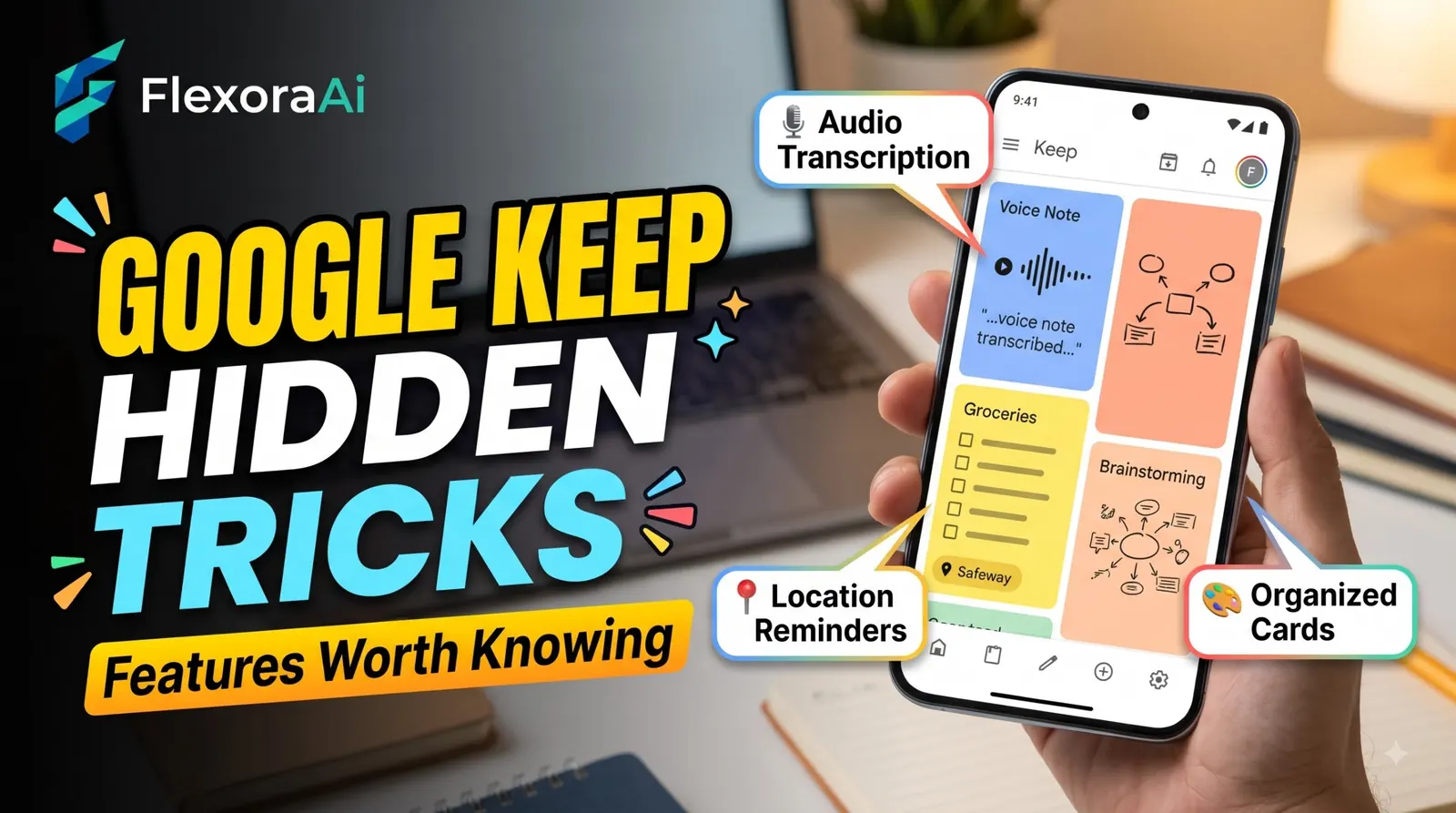
Google Keep looks like a pile of digital sticky notes, and that’s exactly why people underuse it. It doesn’t shout about its features. They’re sitting in a three-dot menu or behind a keyboard shortcut, waiting for you to need them.
We looked for a real Easter egg and didn’t find one, so this guide covers the next best thing: the features that feel like secrets once you find them. It’s part of our Google products Easter eggs list.
Quick answer: We found no documented Google Keep Easter egg, but Keep hides plenty of useful features. You can grab text from a photo, use keyboard shortcuts such as c for a new note, create notes from the address bar with keep.new, and open Keep in a side panel inside Gmail and Google Docs.
The honest answer
Roundups of “hidden Google Easter eggs” sometimes include Keep, but when you read them closely they’re really lists of lesser-known tips. We separate the two on purpose. That doesn’t make the tips less useful. Several are better than a joke.
The Google Keep tricks worth knowing
| Trick | How to do it | Why it’s handy |
|---|---|---|
| Grab image text | Add a photo to a note, open it, tap the three-dot menu and choose Grab image text | Turns a whiteboard or printed page into searchable text |
| Voice memos | Record a voice note in the Android app | Keep transcribes it automatically |
| Keyboard shortcuts | On the web, press c for a new note. Click the cogwheel and choose Keyboard shortcuts for the full list | Speeds up capture |
| keep.new | Type keep.new or note.new in the address bar | Opens a new note instantly |
| Multiple labels | Add more than one label to the same note | Labels work like hashtags, so one note can live in several places |
| Location reminders | Set a reminder tied to a place | Useful for errands, where available |
| Side panel | Open Keep from the right edge of Gmail, Docs, Sheets or Slides | Reference notes without switching tabs |
| Drawings | Sketch inside a note | Google says you can search handwritten notes |
| Nested checklists | Indent checklist items under a parent | Parent checkboxes control child items, and you can uncheck all to reuse a list |
A few of these come from guides rather than Google’s own pages, so check the details on your version. Features such as location reminders and version history can differ between mobile and desktop.
A five-minute Keep setup
This is a simple system, not an official one, but it solves the most common complaint: Keep has no folders.
- Pick three or four labels you’ll actually use, such as Work, Home, Ideas and Reading.
- Color-code the labels you check most, so your main screen is easy to scan.
- Pin the two or three notes you need every day, and archive the rest when they’re done.
- Bookmark
keep.newin your browser, so capturing a note takes one click. - Use Grab image text the next time you photograph a whiteboard.
If you write in documents, the Keep panel inside Google Docs is the best part: you can drag a note into the page. And if you’re curious how Keep’s text grab compares with the camera tool in your phone, see Google Lens hidden tricks.
What Keep can’t do
- It has no folders. Labels are the only way to group notes.
- It’s deliberately minimal: four note types and color coding, not a full document editor.
- Some features, like reminders by location and version history, behave differently by platform.
Related Google brands
Keep belongs to Google Workspace, alongside Gmail, Google Docs, Google Sheets, Google Slides, Google Calendar, Google Drive, Google Tasks and Google Meet. It works on Android, iOS and the web, and it also has a Chrome extension for saving pages. For the wider picture of what’s hidden across Google, our complete list of Google Easter eggs separates real eggs from tips like these.
Frequently asked questions
We found no documented Google Keep Easter egg. Lists that include Keep are usually describing lesser-known features such as grabbing image text, labels and shortcuts.
Open an image in a note, tap the three-dot menu and choose Grab image text. Keep adds the extracted text to the note, where you can search or edit it.
On the web, press c to create a new note. Click the cogwheel and choose Keyboard shortcuts to see the full list, organized into navigation, application, actions and editor sections.
Type keep.new or note.new into your browser’s address bar to open a new note. You can also press c while you are on the Keep website.
Yes. Gmail, Docs, Sheets and Slides include a side panel where you can open Keep and drag a note into your document.
No. Keep uses labels, colors and pins to organize notes. A note can have more than one label.
Sources checked
Facts here were checked against these sources on November 6, 2026. Gameplay and settings were not tested for this article, so try anything yourself before relying on it.
- Google Workspace blog, “8 tips to help you keep Google Keep” — Grab image text, drawings and handwritten note search.
- Technipages and Chrome Unboxed — the keyboard shortcuts and the Grab image text steps.
- Jeff Su and MeshWorld — keep.new, nested checklists and label tips.
- Computerworld and PCWorld — transcription and image text.
From Google: Google Workspace’s tips for getting more out of Keep, including Grab image text.