🧰 Google Search Tips · Hidden Features
Google Hidden Features
You Didn't Know
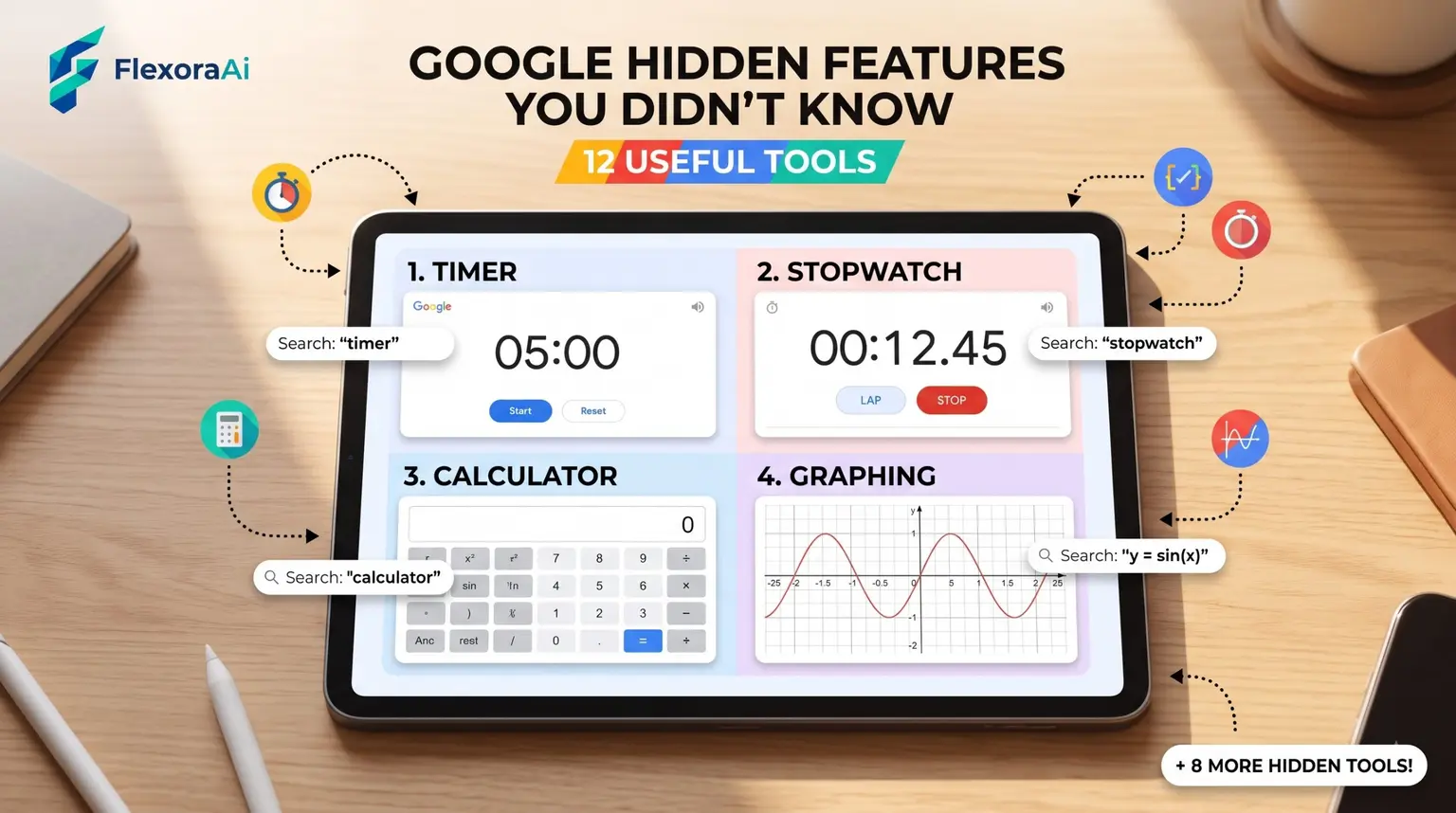
Google Search has more tools than most people realize, and many show up only when you type the right words. A timer, a color picker, a level, a metronome: they sit in the results page, waiting. This guide, part of our Google search tips guide, lists the ones worth learning, with the exact words to type.
Short answer: Type timer, stopwatch, color picker, bubble level, metronome, a sum such as 12 * 7.5, or a conversion such as 10 miles in km. Google answers inside the results page, with no download.
Worth knowing
- Many tools appear when you type their names.
- Most work on desktop, and a few, such as the bubble level, need a phone.
- Features can change, so test each one.
Twelve tools to try
| Type this | What you get |
|---|---|
| timer for 10 minutes | A countdown timer |
| stopwatch | A stopwatch |
| 12 * 7.5 | The calculator |
| 10 miles in km | A unit converter |
| color picker | HEX, RGB and CMYK codes |
| bubble level | A phone level |
| metronome | A tempo tool |
| flip a coin | Heads or tails |
| roll a die | A virtual die |
| define: serendipity | A dictionary definition |
| weather | The forecast for your area |
| translate hello to Spanish | A translation card |
Features hidden in menus
- The Tools menu. Filters results by time and other options.
- The Web filter. Shows classic text links only.
- About this result. Shows details about a source and, in some cases, a link to older versions of the page.
- Results about you. A tool for finding and requesting removal of personal contact details from results.
Some of the most useful ones began as curiosities, which is a theme of our complete list of Google Easter eggs.
How to find more
- Type a task in plain words, such as “set a timer.”
- Look at the top of the results for a tool.
- Try a unit, a word or a number with an operation.
- Check the three-dot menu on a result for extras.
- Search the product name plus “tips” for guides.
Make them work together
A cook can combine a unit converter with a timer. A student can use define: with the calculator. A designer can use the color picker and then check contrast. Small tools add up when they live in one place.
When to use something else
Built-in tools are quick, but they aren't always perfect. For critical measurements, use a dedicated app or device. For anything private, remember that Google Search is tied to your account settings.
If you'd like AI help with more complex jobs, see our Google products Easter eggs list for Gemini and AI Mode.
On a phone
- Bubble level. Only on phones and tablets, because it needs sensors.
- Voice search. Tap the microphone and ask a question out loud.
- Camera search. Point your phone at an object to search for it.
- Timer. Ask by voice, and keep your hands free.
Privacy basics
Search is tied to your account's activity settings, and you can review and delete past searches. The Results about you tool helps you find and request removal of personal contact information from search results. SafeSearch can filter explicit results. Take a few minutes to look at all three.
A one-week plan
| Day | Tool to learn |
|---|---|
| Monday | Timer and stopwatch |
| Tuesday | Calculator and unit converter |
| Wednesday | Color picker |
| Thursday | Define: and translation |
| Friday | Tools menu filters |
| Saturday | Bubble level on your phone |
| Sunday | Metronome or a coin flip, just for fun |
Learning one tool a day takes a minute and sticks better than reading a list once.
How we checked this: We used PopSci, Digital Trends, Gizmodo and 9to5Google for the tools, and Google's own descriptions of Search features. Menus and names change, so yours may differ slightly. If something here is out of date for you, email ownerflexora.ai@gmail.com and we will fix it.
Your turn: Try five tools from the table in one sitting. Which one will you use again tomorrow?
The best tool is the one you remember, and now you've got twelve to choose from.
More tricks to try
Looking for pictures? The Google image search tricks guide is next.