📝 Google Tricks · Google Docs · Workspace
Google Docs Easter Eggs
(The Game of Life Shortcut)
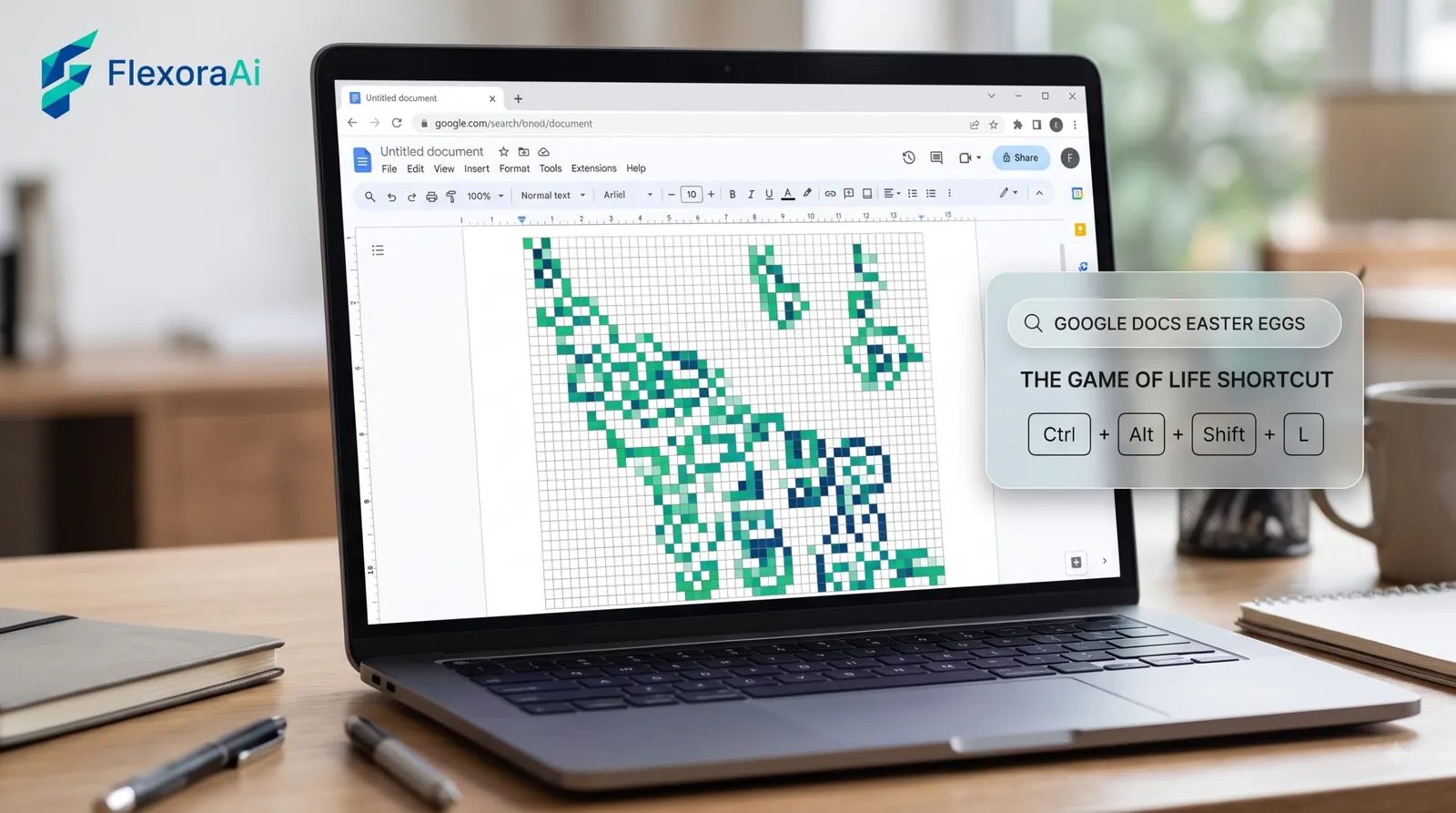
The best Google Docs Easter egg is a keyboard shortcut that fills your blank page with a classic piece of math. It’s the sort of thing that only works if you press the right keys in the right order, and then you’re left wondering whether you imagined it.
Here’s how to try it, what it’s a reference to, and the real hidden features that Docs has in abundance. It’s part of our Google products Easter eggs list.
Quick answer: Search Engine Journal reports a Conway’s Game of Life Easter egg in Google Docs. Press Ctrl+Alt+Shift+E, then Ctrl+Alt+Shift+C on Windows, or Command+Option+Shift+E, then Command+Option+Shift+C on Mac, in a document. We couldn’t confirm it still works, so test it on a blank document and use Undo.
How to try the Google Docs Game of Life trick
Open a blank Google Doc, so nothing important is on the page. Then press the shortcuts for your system, one after the other:
| System | First shortcut | Second shortcut |
|---|---|---|
| Windows | Ctrl+Alt+Shift+E | Ctrl+Alt+Shift+C |
| Mac | Cmd+Option+Shift+E | Cmd+Option+Shift+C |
Search Engine Journal lists this as a bonus egg next to the Search trick of the same name, where typing “Conway’s Game of Life” into Google runs the simulation behind your results.
What Game of Life is
Conway’s Game of Life is a famous zero-player game. You start with a grid of cells that are alive or dead, and simple rules decide which cells live, die or are born in the next step. Out of those few rules come shapes that grow, move and repeat. It’s a favorite of programmers and mathematicians, which is why it keeps turning up in places like Google. If you enjoy that sort of thing, our Google products Easter eggs list is the right neighborhood.
If it works, and how to undo it
- Press Ctrl+Z (Windows) or Cmd+Z (Mac) to undo what it added.
- If nothing happens, that’s fine. Shortcuts vary by browser and system, and Google may have changed or retired it.
- Never try this on a document you need. Use a blank one and close it without saving.
We couldn’t verify the shortcut ourselves. It comes from a 2026 roundup, so treat it as reported, not guaranteed.
Hidden Docs features worth knowing
Docs doesn’t need Easter eggs to feel like it has secrets. These come from Workspace guides:
- Smart chips for people, files and dates, shared with Sheets.
- Building blocks, including a calendar invite draft, and emoji voting chips for quick team feedback.
- Gemini in the sidebar, for those whose accounts include it.
- Docs tricks on Android, which Computerworld collects in a list of 12.
The Calendar side of those features is in Google Calendar Easter eggs. Google Earth has a famous hidden feature of its own, a flight simulator that began as an Easter egg. See Google Earth flight simulator.
Related Google brands
Docs shares a home with Google Sheets, Google Slides, Google Drive and Google Calendar, and it connects to Gmail and Google Meet. People often confuse its Easter eggs with those of Google Search, which has its own Conway’s Game of Life trick. For the full list of what’s real across Google, our complete list of Google Easter eggs labels each one as active, retired or unofficial.
Frequently asked questions
Search Engine Journal reports a Conway’s Game of Life Easter egg in Google Docs, triggered by a pair of keyboard shortcuts. We could not confirm it still works.
On Windows, press Ctrl+Alt+Shift+E and then Ctrl+Alt+Shift+C. On Mac, press Command+Option+Shift+E and then Command+Option+Shift+C.
Press Ctrl+Z on Windows or Cmd+Z on a Mac. Try the shortcut on a blank document so nothing important is affected.
It is a zero-player game on a grid of living and dead cells. A few simple rules decide which cells survive and which are born, producing patterns that move and repeat.
Yes. Search Engine Journal lists a Search trick where typing Conway’s Game of Life into Google runs the simulation behind the results.
Sources checked
Facts here were checked against these sources on November 6, 2026. Gameplay and settings were not tested for this article, so try anything yourself before relying on it.
- Search Engine Journal, “The Great Big List of 50+ Google Easter Eggs” — the Docs shortcut and the Search trick of the same name.
- Computerworld and Benzinga — the hidden Docs features and building blocks.
- Alice Keeler — the Gemini sidebar and Drive tip.
The full list of Search and product eggs: Search Engine Journal’s big list of Google Easter eggs, including the Docs shortcut.