🎙️ Google Tricks · Voice Search · Search Tips
Google Voice Search Hidden Commands
(What Works Now)
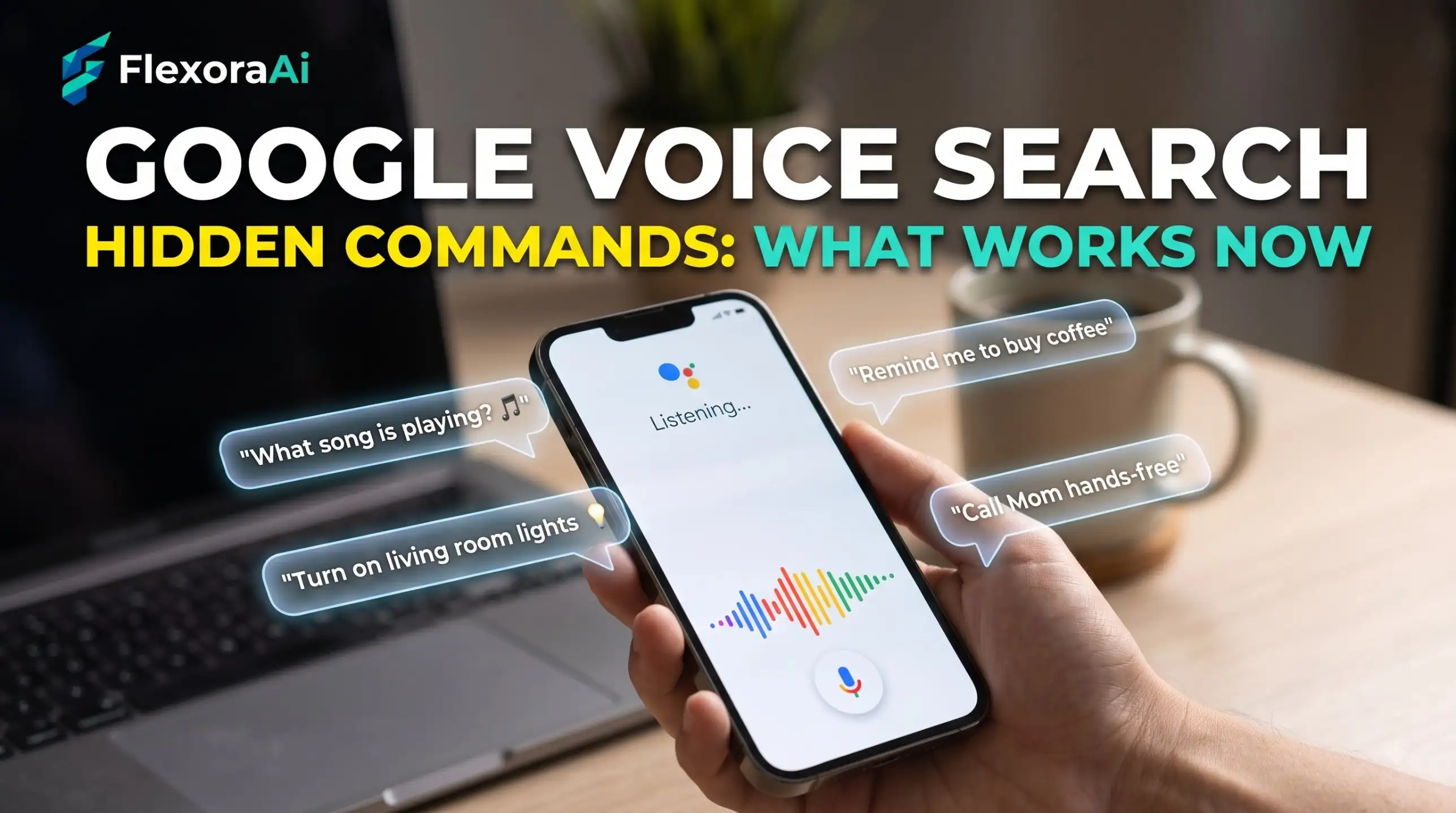
“Voice search” used to mean one thing: tap the microphone, say a question, read the results. In 2026 it means at least five different things, and the confusion between them is the reason “Hey Google” sometimes opens an app you didn’t expect.
This guide sorts out which voice tool does what, the less obvious tricks inside each, and how Gemini changed the picture. It’s part of our Google search tips guide.
Quick answer: Google now has several voice tools: classic voice search with the mic, Search Live for spoken back-and-forth in AI Mode, song search by humming, and “Hey Google,” which belongs to Google Assistant. Search Live expanded globally on March 26, 2026. On desktop, early reports mention Ctrl+Shift+Period to start the mic.
Five different voices
| Tool | What it does | How to start it |
|---|---|---|
| Classic voice search | Turns a spoken question into one set of results | Open the Google app and tap the microphone |
| Search Live | A continuing spoken conversation with Search, with web links in the answers | Open the Google app and tap Live |
| Song search | Identifies a song you play, sing or hum | Choose the song option from the mic screen |
| “Hey Google” | Starts Google Assistant, which acts on your device. Google’s help page says this trigger only works for Assistant | Say the wake phrase, on devices that still run Assistant |
| Gemini Live | A spoken conversation in the Gemini app | Open the Gemini app and start Live |
A 2026 explainer boiled the logic down to a sentence worth remembering: tap the mic to search, open Gemini to talk, and say “Hey Google” when you want your device to act.
Search Live: the hidden one
Search Live is the least obvious and the most capable. It runs inside AI Mode in the Google app on Android and iOS, using a custom Gemini model for real-time voice. A few things people miss:
- You can interrupt a spoken answer and ask a follow-up, the way you would with a person.
- You can share your camera and ask about what you see.
- You can switch to typing if you can’t speak, and open a transcript.
- Each session is saved in your AI Mode history, so you can pick it up later.
Search Live launched in the US in 2025 and expanded globally on March 26, 2026, in every language and location where AI Mode is available. If you want to see what the AI side of search does and doesn’t hide, our complete list of Google Easter eggs separates real tricks from marketing.
Searching a song
Google redesigned voice search in 2026 around four options: Search, AI Mode, Live and Song Search. The song screen shows three words stacked on top of each other, Play, Sing and Hum, which tells you what it can do. Hum or whistle a melody, and Google lists likely matches. It’s the only voice trick that works better with a bad voice, because it listens to the tune, not the words.
On desktop
Voice search isn’t only a phone feature. An early report said desktop users could press Ctrl+Shift+Period to activate the microphone without clicking. We couldn’t confirm it on every setup, so test it in Chrome. You also need to allow microphone access for the site.
When “Hey Google” opens the wrong thing
This is the commonest voice complaint, and the fix is usually to match the tool to the task. On Android phones that switched to Gemini, “Hey Google” may open Gemini. On older Assistant devices, it opens Assistant. In both cases, it won’t open plain voice search, which belongs to the Google app.
If you want the older voice jokes, our Google Assistant Easter eggs guide covers which devices still run Assistant.
Tips for better voice searches
- Say the whole question, not keywords. Search Live is built for natural language.
- Pause briefly at the end. The classic voice search stops after a moment of silence.
- Check microphone permissions if nothing happens.
- For anything with exact words, such as a name or a model number, typing can win.
And for the habits that make typed searches better too, read How to use Google like a pro.
Frequently asked questions
Open the Google app, tap the microphone and speak. On desktop, allow microphone access for Google and click the mic icon in the search box.
Search Live is a spoken, back-and-forth conversation with Google Search inside the Google app’s AI Mode. You can interrupt, ask follow-ups, share your camera and switch to typing.
Open the Google app, tap the mic and choose the song option, then play, sing or hum the melody. Google lists likely matches.
Google’s help page says the Hey Google trigger only works for Google Assistant. For plain voice search, tap the microphone in the Google app. On phones that moved to Gemini, the phrase may open Gemini.
An early report mentioned Ctrl+Shift+Period to activate the microphone. We could not confirm it everywhere, so test it in Chrome with microphone access allowed.
Google expanded Search Live globally on March 26, 2026, to every language and location where AI Mode is available.
Sources checked
Facts here were checked against these sources on November 13, 2026. Gameplay and settings were not tested for this article, so try anything yourself before relying on it.
- Google Search Help, “Use Google Voice Search” — the mic steps and the note that Hey Google works only with Assistant.
- iTechGuides, SEJ and Android Central — Search Live, its launch and its features.
- Android Authority and PhoneArena — the Voice Search redesign and the Play, Sing, Hum screen.
- WebProNews — the desktop shortcut report.
From Google: Google Search Help: Use Google Voice Search, with the current steps.