📈 Reputation Management · AI Writing · Small Business
AI Tool to Reply to Google Reviews Automatically
(The Safe Way)
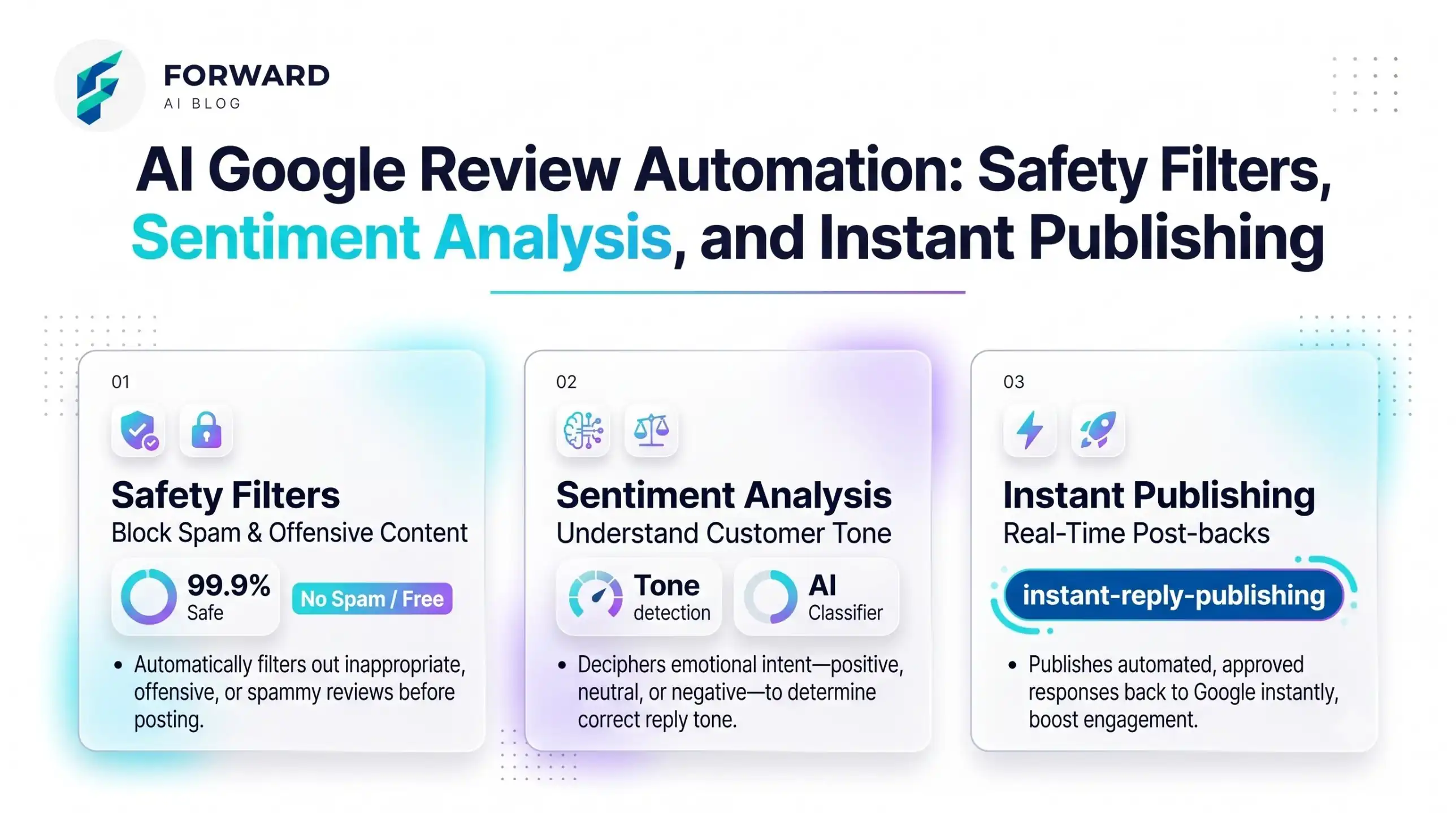
You can use AI to write your Google review replies in about 30 seconds each. But "automatically" has a catch: Google only lets verified owners reply, and a reply that looks copied will hurt you more than no reply. So the best method is simple. AI writes the draft, you check it, you post it.
Quick answer: 1. Copy the review. 2. Paste it into a free chatbot (ChatGPT, Claude or Gemini) with the prompt below. 3. Add one real detail (the customer's name, the product, the day). 4. Post it from your Google Business Profile. Total time: under a minute per review. Cost: $0 on a free chatbot.
Why replying matters
Customers read your replies before they call you. A calm reply to a bad review shows new customers how you treat people when something goes wrong. A short thank-you on a good review shows you are active. You do not need long replies. Two to four sentences is enough.
Google's own help page says you must verify your business before you can reply. If you have not done that yet, start there: Google's guide on managing customer reviews.
The prompt for a good review (copy and paste)
Write a reply to this Google review for my business. Business type: [your business].
Keep it to 3 sentences. Use the customer's first name. Mention one thing they said.
No exclamation marks in every sentence. Sound like a real owner, not a company.
Review: [paste review]
The prompt for a bad review (copy and paste)
Write a calm reply to this 1-2 star Google review. Business type: [your business].
Rules: say sorry for the problem, do not argue, do not blame the customer,
do not share private details, and invite them to contact me at [phone or email] to fix it.
Maximum 4 sentences.
Review: [paste review]
Warning: Never put the full details of a customer's complaint in a public reply. Take the talk offline.
Which AI tool to use
- ChatGPT, Claude or Gemini (free tiers): Good enough for this. You paste the review, you get a draft. Free tiers have limits, so check what you get today on their own sites.
- A review-management tool: Some paid review tools can draft replies for you inside a dashboard. They make sense only if you get many reviews every week. Check each tool's current price and features on its own site before paying. If you get fewer than 20 reviews a month, a free chatbot is enough.
Not sure which one fits you? Our guide to choosing the right AI tool walks through it by task and budget.
5 mistakes to avoid
| Mistake | What to do instead |
|---|---|
| Posting the same reply to every review | Change at least one detail each time |
| Starting every reply with "Thank you for your feedback" | Start with what they actually said |
| Defending yourself in public | Say sorry once, then offer to fix it offline |
| Letting AI promise refunds or discounts | You decide offers, not the AI |
| Replying weeks later | Reply within 1-2 days when you can |
Where this fits in your wider setup
Replying to reviews is one small job you can hand to AI. If you want to see other jobs that save time, read our practical AI use cases for small business. If customers also ask you questions on your website, an AI chatbot for small business can answer the simple ones. And if you want reviews to help you sell more, see AI tools to boost sales for small business.
For more drafting help beyond reviews, look at AI writing tools for small business.
Frequently Asked Questions
External resources
- Manage customer reviews, Google Business Profile Help — how to verify your business and reply to reviews.
- Create and manage posts on your Business Profile — a next step once your reviews are handled.