🇮🇳 Localization · AI Writing · Small Business
AI Tool to Write Hindi Content for Small Business
(Posts, Messages, Ads)
Many customers in India are more comfortable reading Hindi than English. If your posts, WhatsApp messages and product pages are only in English, you lose some of them. AI chatbots can write Hindi, and they can also translate your English into Hindi. The one rule: AI Hindi can sound stiff or wrong, so a person who reads Hindi well must check it before you publish.
Quick answer: Write the message in simple English first. Ask a chatbot (ChatGPT, Claude or Gemini) to write it in simple, everyday Hindi, not formal book Hindi. Ask a Hindi speaker to read it. Post it.
Write it, or translate it?
| Method | Better for |
|---|---|
| Write directly in Hindi with AI | Social posts, WhatsApp replies, offers |
| Write in English, then translate | Product pages, longer text, anything you want in both languages |
Copy-paste prompt: write in Hindi
Write a short [Instagram post / WhatsApp message / offer] in simple everyday Hindi,
the way a shop owner talks to customers. Not formal or bookish Hindi.
Business: [type] in [city]. Offer or news: [details].
Keep it under 60 words. Write it in Devanagari.
Then give me the same text in Hinglish (Hindi in English letters) in case I need it.
Copy-paste prompt: translate my English
Translate this into simple, natural Hindi for customers of a small business in [city].
Keep prices, product names and phone numbers exactly as they are.
Do not translate brand names. Use the words people actually say in daily life,
including common English words like "delivery" or "order" if that is how people speak.
Text: [paste]
Check it before you post
- Ask a Hindi-speaking friend or staff to read it.
- Check numbers, prices, dates and names.
- Read it out loud. If it sounds like a textbook, ask the AI for a simpler version.
- Check that the Devanagari shows correctly on your phone and website.
Tools for Hindi and other Indian languages
- Chatbots (ChatGPT, Claude, Gemini): Write and rewrite Hindi. Quality varies, so always check.
- Machine translation tools: See our guides to the best AI translation tools and AI tools for translating documents.
- Live conversation help: See AI tools for real-time translation.
- BHASHINI: An Indian government language initiative that aims to help people use digital services in their own language. See its site for what it offers today.
We have not tested every tool's Hindi, so try a short sample from your own business first.
Where Hindi content fits in your plan
Pick two places and start there: your WhatsApp replies and one social page. Our guide to AI writing tools for small business covers the general writing side, and AI social media tools for small business helps you plan posts.
Mistakes to avoid
- Publishing Hindi nobody who reads Hindi checked.
- Using very formal words customers don't say.
- Letting AI change your prices or product names.
- Switching languages in the middle of one post without a reason.
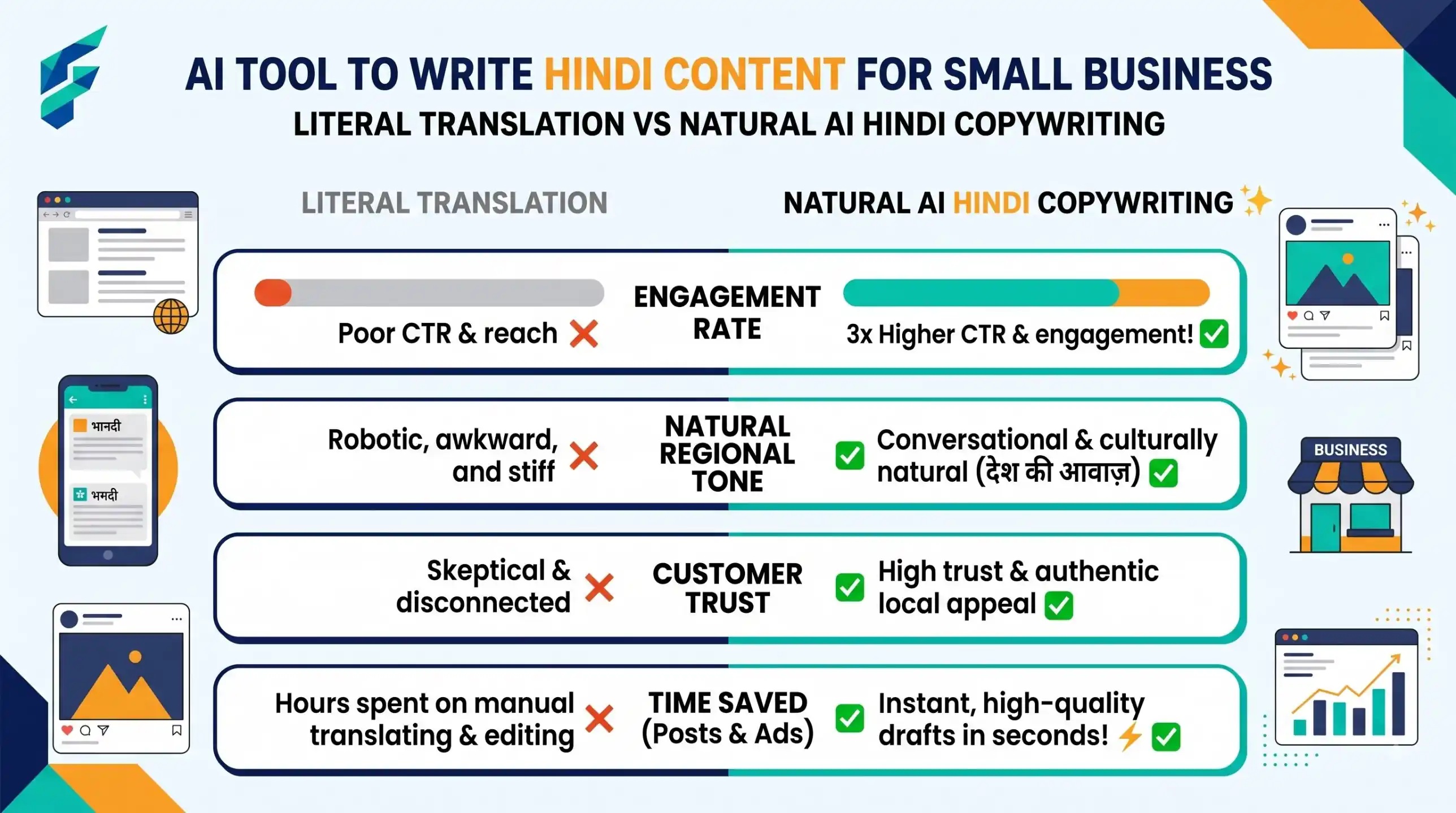
Real-world example: I recently used AI to draft a WhatsApp offer for a local bakery. The AI initially translated "Buy fresh cake today" to overly formal, textbook Hindi: "आज नवीनतम केक का क्रय करें" (Purchase the newest cake today). No one talks like that! I asked the AI to "make it sound like a friendly neighborhood shop owner", and it changed it to "आज फ्रेश केक लीजिए, घर जैसा स्वाद!" (Get fresh cake today, taste like home!). Always ask for 'everyday Hindi', not formal Hindi.
External resources
- BHASHINI — Indian government initiative to help people use digital services in their own language.
- WhatsApp Business — official page for business messaging, useful for sending your Hindi messages.